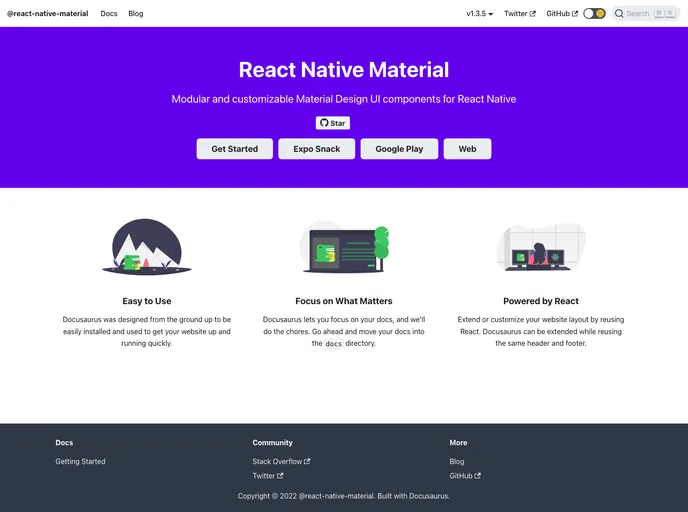
React Native Material screenshot

React Native Material

Author Avatar Theme by Yamankatby
Updated: 20 Nov 2025
245 Stars

Modular and customizable Material Design UI components for React Native

Categories

Overview

React Native Material is a library of pre-built, customizable UI components for React Native that follow Material Design principles. However, the library is currently not actively maintained due to time constraints.

Features

  • App bar: Displays information and actions for the current screen.
  • Avatar: Found throughout material design with uses in tables and dialog menus.
  • Backdrop: Appears behind all other surfaces, displaying contextual and actionable content.
  • Badge: Represents dynamic information such as pending requests in navigation bars.
  • Banner: Displays a prominent message and optional actions.
  • Button: Allows users to take actions or make choices with a single tap.
  • Divider: Thin line that groups content in lists and layouts.
  • Floating Action Button (FAB): Represents the primary action of a screen.
  • Surface: Material surfaces that can be displayed in different shapes.
  • Typography: Clear and efficient presentation of design and content.

Installation

To install the React Native Material library, you can use either npm or yarn:

npm install react-native-material

or

yarn add react-native-material

Summary

React Native Material is a library of pre-built UI components for React Native that follow Material Design principles. While the library is currently not actively maintained, it offers a range of features including app bars, avatars, backdrops, badges, buttons, dividers, floating action buttons, surfaces, and typography. To install the library, you can use either npm or yarn.