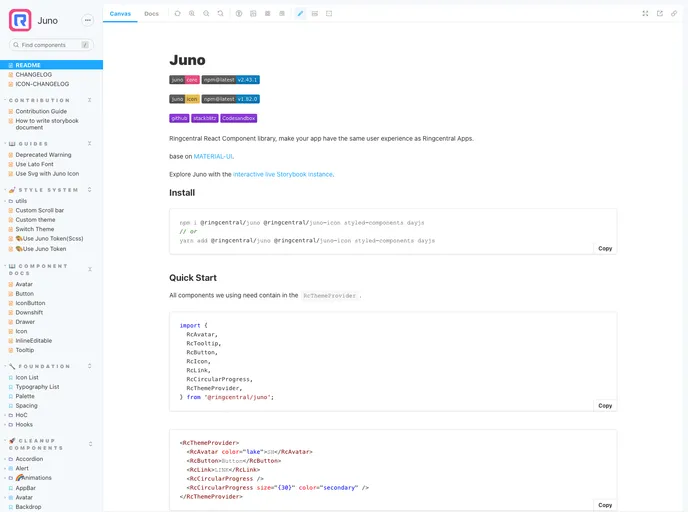
RingCentral React Component library, make your app have the same user experience as RingCentral Apps.
Juno is a React component library that allows developers to create apps with the same user experience as Ringcentral Apps. It is based on MATERIAL-UI and offers an interactive live Storybook instance for exploration. With Juno, developers can easily incorporate the Ringcentral user interface into their own applications.
To install Juno, follow these steps:
npm install juno
Juno is a React component library that enables developers to create applications with the same user experience as Ringcentral Apps. It provides a comprehensive set of components based on MATERIAL-UI, allowing for easy integration and customization. With its interactive live Storybook instance, developers can quickly prototype and test their applications. Overall, Juno offers a convenient solution for developers looking to incorporate the Ringcentral user interface into their own apps.

