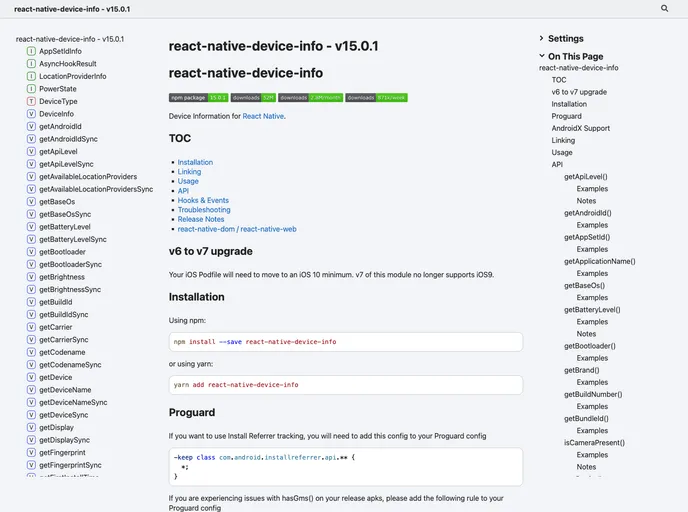
Device Information for React Native iOS and Android
The React Native Device Info provides information about the user’s device in a React Native application. It offers various features and functionality to access device information. The module supports installation on different platforms, including iOS, Android, Windows, and Web.
To install the React Native Device Info module, you can use npm or yarn. Here are the steps for installation: Using npm:
npm install react-native-device-info
Using yarn:
yarn add react-native-device-info
For platform-specific configurations like Proguard for AndroidX support, you may need additional setup steps as mentioned in the documentation.
The React Native Device Info module is a valuable tool for accessing device information in React Native applications. With features like automatic linking, platform-specific APIs, and troubleshooting guidance, developers can easily integrate this module into their projects. The provided APIs allow users to retrieve various device details, and the example app serves as a helpful resource for implementation. Overall, React Native Device Info simplifies the process of accessing device information in a cross-platform environment.

