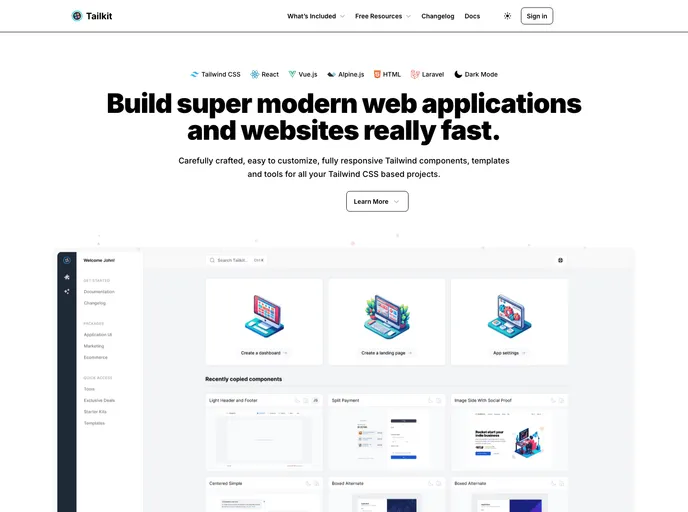
Tailkit Starter Kit Nextjs screenshot

Tailkit Starter Kit Nextjs

Author Avatar Theme by Pixelcave
Updated: 16 Dec 2025
10 Stars

Next.js Starter Kit for using Tailkit UI components out of the box in your project.

Categories

Overview

Tailkit - Starter Kit - Next.js is a Next.js Starter Kit designed to seamlessly incorporate the Tailkit UI components into your project. It provides an easy and efficient way to integrate pre-built UI components and jumpstart your development process.

Features

  • Tailkit Integration: Get access to a wide range of UI components provided by Tailkit for use in your Next.js project.
  • Easy Set-Up: This starter kit comes pre-configured with create-next-app, making it simple to set up and get started with your Next.js project.
  • Live Editing: Modify the app/page.tsx file and see instant updates on your browser with the auto-updating feature.

Installation

To install Tailkit - Starter Kit - Next.js, follow these steps:

  1. Clone or download the repository.
  2. Open the project in your preferred development environment.
  3. In the terminal, navigate to the project directory.
  4. Run the development server using the command npm run dev.
  5. Open your browser and visit http://localhost:3000 to see the result.

Summary

Tailkit - Starter Kit - Next.js is an excellent choice for developers who want to leverage the power of Tailkit’s UI components in their Next.js projects. With its seamless integration and easy setup process, it allows developers to quickly incorporate pre-built UI components into their projects and speed up their development process.