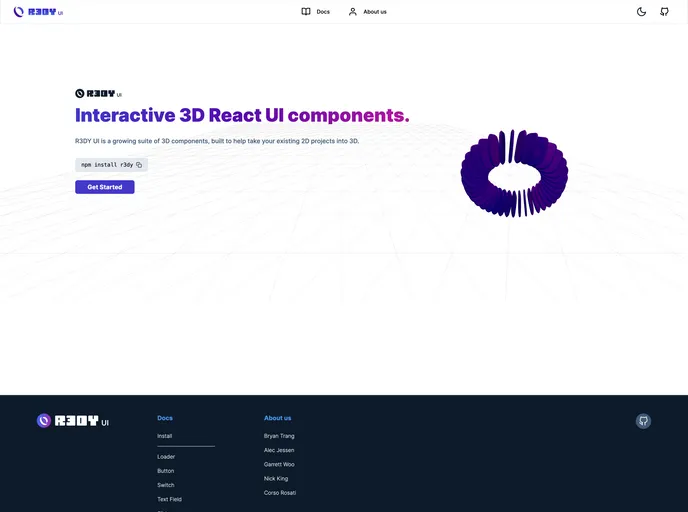
R3DY Web is the documentation website for the 3D React component library R3DY.
Overview:
The documentation serves as a guide for the R3DY UI component library. It provides information about the library’s features, installation, and tech stack.
Features:
- NextJS: NextJS is used as the web framework for building the R3DY UI component library.
- React Three Fiber: React Three Fiber is utilized to create and manipulate 3D objects in the library.
- TypeScript: TypeScript is used as the programming language to provide type-checking and improved developer experience.
- Redux: Redux is used for managing state in the R3DY UI component library.
- Tailwind: Tailwind is the CSS framework used for styling the components in the library.
- CodeSandbox: CodeSandbox is integrated into the documentation to provide an interactive development environment for trying out code examples.
- Node: Node.js is used as the runtime environment for running the R3DY UI component library.
- HTML5: HTML5 is the markup language used for structuring the components in the library.
- CSS3: CSS3 is used for styling the components in the library.
Installation:
To install the R3DY UI component library, follow these steps:
- Make sure you have Node.js installed on your machine.
- Open your terminal and navigate to the project directory.
- Run the following command to install the necessary dependencies:
- Once the installation is complete, you can import the components into your project using the following code snippet:
import { Button, Card, Input } from 'r3dy-ui';
- You can now start using the R3DY UI components in your project.
Summary:
The R3DY UI component library documentation provides a comprehensive guide for developers to effectively use the library. It explains the features of the library, its tech stack, and provides installation instructions.