Deploy useful features in sprint one
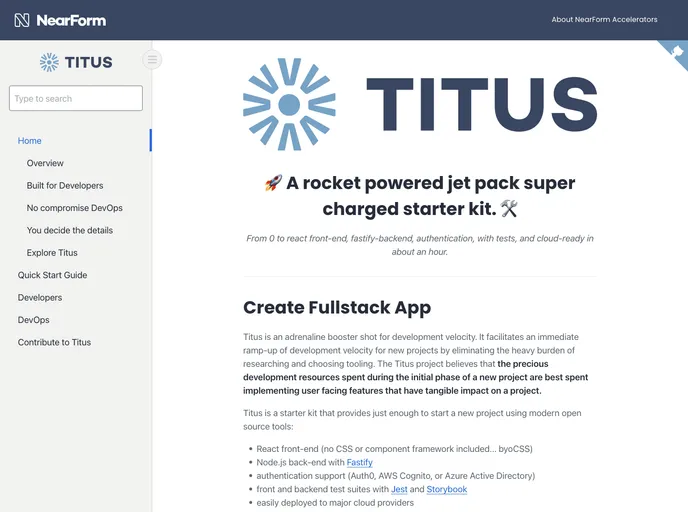
Titus is a production-grade, end-to-end stack designed for modern web application development. It provides preconfigured DevOps and authentication, making it easy to deploy applications with minimal effort. Titus is a collection of reusable packages that streamline the deployment process. For more information, refer to the documentation.
To install Titus, follow these steps:
[Step 1]: Begin by cloning the Titus repository:
$ git clone https://github.com/username/repo.git
[Step 2]: Navigate to the cloned repository:
$ cd repo
[Step 3]: Install the required dependencies:
$ npm install
[Step 4]: Configure the application:
$ cp .env.example .env
[Step 5]: Start the development server:
$ npm run dev
[Step 6]: Access the application locally:
$ http://localhost:3000
Titus is a comprehensive web application development stack that simplifies the deployment process. It includes preconfigured DevOps and authentication functionality, allowing developers to focus on building applications rather than setting up infrastructure. With its reusable set of packages and minimal deployment effort, Titus offers a convenient and efficient solution for modern web development. For detailed instructions, refer to the provided documentation.

