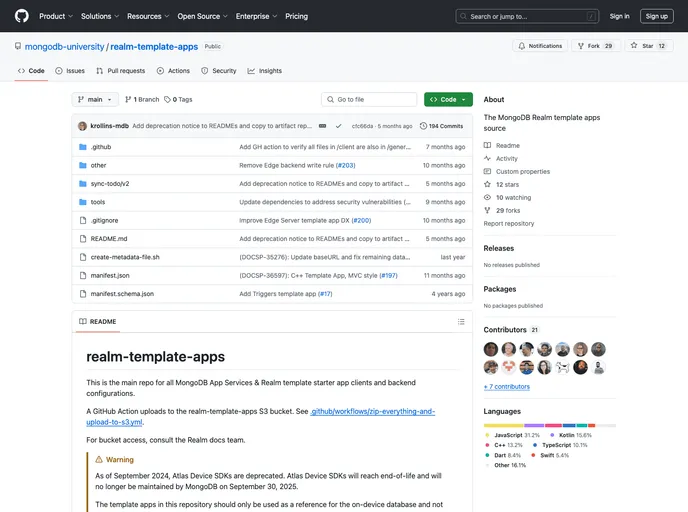
Atlas Template Starter App - Use Device Sync from a React Native client application. This repo is generated from source code in https://github.com/mongodb-university/realm-template-apps
The React Native Template App is a todo list application built with the React Native SDK and Atlas Device Sync. It allows users to create and manage todo tasks in a real-time synchronized environment. This template app can serve as a starting point for building similar applications with React Native.
To install and run the React Native Template App, follow these steps:
Configuration:
atlasConfig.json exists and contains the following properties:appId: Your Atlas App Services App ID.baseUrl: The App Services backend URL. This should be https://services.cloud.mongodb.com in most cases.Using the Atlas App Services UI:
Cloning from GitHub:
appId field with your App Services App ID.Download the Client as a Zip File:
appId field in atlasConfig.json with your App Services App ID.To run the application:
npm install.npx pod-install if on Mac.npm run ios (or npm run android if you have an emulator running).The React Native Template App is a todo list application built with React Native and Atlas Device Sync. It provides users with a seamless real-time synchronization experience for managing their todo tasks. The installation process involves setting up an Atlas account, deploying a cluster, and configuring the backend. Overall, this template app serves as a great starting point for developers looking to build similar applications using React Native.

