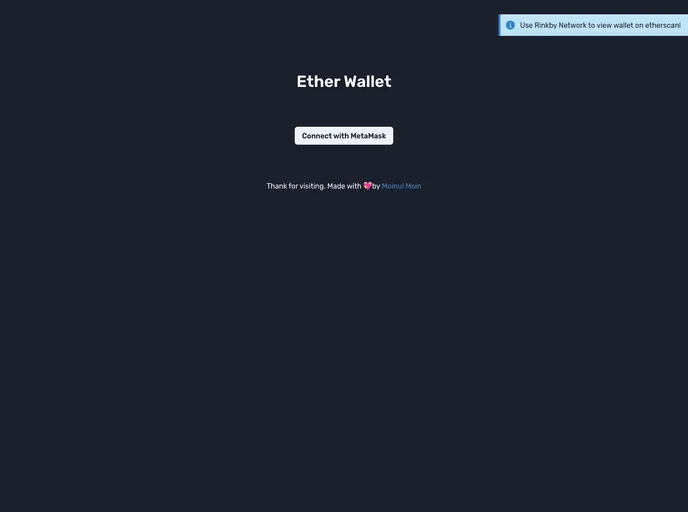
Simple Ether Wallet DApp with React, Typescript, useDApp, Chakra UI
Create React App is a tool that allows you to set up a new React application with a minimal configuration. It provides a pre-built development environment with all the necessary tools to start building a React application.
npm start command, you can run the app in development mode. This starts a local development server and opens your app in the browser. Any changes you make to your code will automatically trigger a reload of the page.npm test) for launching the test runner in interactive watch mode. This makes it easy to write and run tests for your React components.npm run build command builds your app for production. It optimizes the build for the best performance by minifying the code and including hashes in filenames. The built app is then ready to be deployed to a production server.npm run eject command. This gives you full control over the configuration files and dependencies of your project.To install Create React App, you need to have Node.js and npm (Node Package Manager) installed on your machine. Once you have them installed, you can follow these steps:
npm install -g create-react-app
npx create-react-app my-app
Replace my-app with the name of your app.
5. Once the command finishes, navigate to the newly created app directory:
cd my-app
npm start
This will open your app in the default browser.
Create React App is a convenient tool for setting up a new React application. It simplifies the process of creating a development environment, running the app, testing, and building for production. It provides a great starting point for React projects, and if needed, it allows for customization to meet specific requirements.

