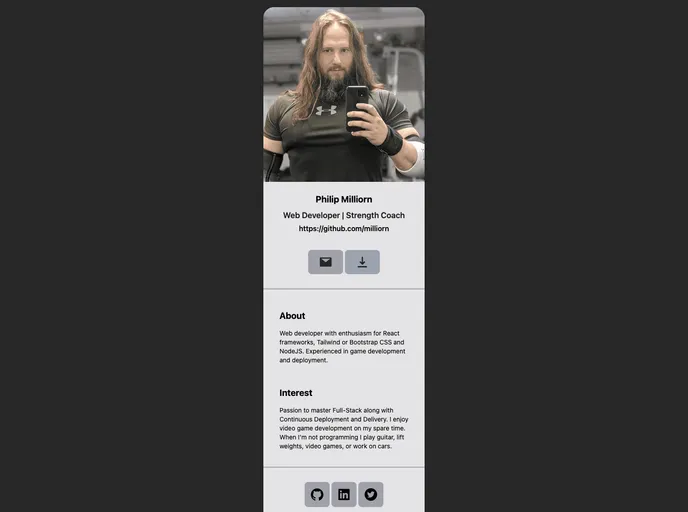
Digital Business Card screenshot

Digital Business Card

Author Avatar Theme by Milliorn
Updated: 2 Sep 2025
5 Stars

Modern responsive web application that allows users to create and share their digital business cards online

Categories

Overview:

The document discusses the features and installation process of a Digital Business Card. It also mentions the various dependencies required for the project, as well as the technologies it is built on.

Features:

  • Dependency Review: The document provides a review of the dependencies required for the Digital Business Card project.
  • pages-build-deployment: The document mentions the deployment process using the “pages-build-deployment” package.
  • DeepSource: DeepSource is mentioned as a dependency, but its specific purpose or role is not explained.

Installation:

To install the Digital Business Card project, follow these steps:

  1. Start by bootstrapping the project using Create React App.
  2. Install TypeScript by following the guidelines provided in the documentation.
  3. Install the “gh-pages” package for deploying the project.
  4. Install the required dependencies such as “React Icons,” “React Image,” and “React Visibility Sensor.” Instructions and links for each dependency are provided in the document.

Summary:

The document provides an overview of a Digital Business Card project and its key features. It explains the installation process and lists the dependencies required for the project. However, it lacks detailed explanations for some dependencies like “DeepSource.” Overall, the document serves as a useful guide for setting up and understanding the Digital Business Card project.