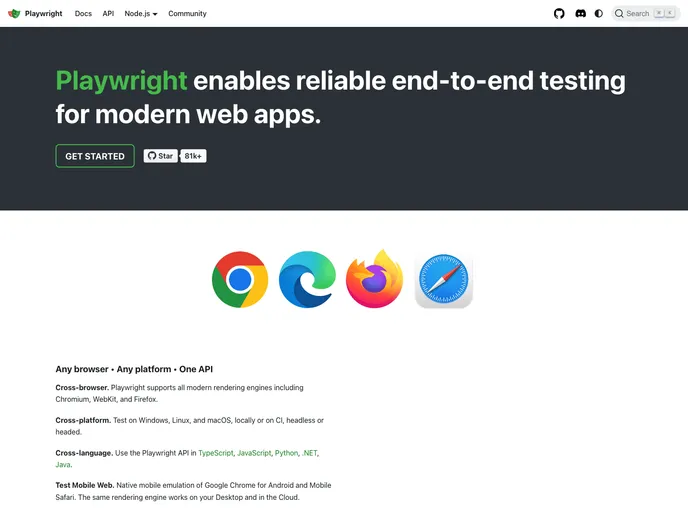
Playwright is a framework for Web Testing and Automation. It allows testing Chromium, Firefox and WebKit with a single API.
Playwright is an innovative framework designed for web testing and automation, allowing you to run tests across multiple browsers, including Chromium, Firefox, and WebKit, all using a unified API. Developed to be versatile and fast, Playwright facilitates cross-browser testing in a way that is both reliable and capable, ensuring that your tests are relevant and efficient.
Whether you’re a developer looking to streamline your testing process or a team leader wanting to ensure robust application performance across different platforms, Playwright promises to eliminate the common pain points of web automation with its intuitive features and seamless integration.
Cross-Browser Support: Test applications on Chromium, Firefox, and WebKit with a single, consistent API, simplifying your testing environment.
Headless Execution: Run tests without a graphical interface across all supported browsers, making it ideal for continuous integration environments.
Auto-Wait Mechanism: Automatically waits for elements to be actionable before performing operations, greatly reducing flaky tests caused by timeouts.
Web-First Assertions: Leverage assertions designed for dynamic web environments, automatically retrying checks until expected conditions are met.
Out-of-Process Isolation: Tests run in separate processes, avoiding common limitations faced by in-process test runners and ensuring better performance.
Multi-User Testing: Simultaneously handle multiple tabs, users, and contexts within a single test, mimicking real-world scenarios effectively.
Advanced Interaction Capabilities: Interact with dynamic controls and hover over elements seamlessly, ensuring that all user actions are trusted and recognized just like a real user.
Full Test Isolation: Each test runs in its own browser context, providing complete isolation and ensuring tests don’t interfere with each other.

