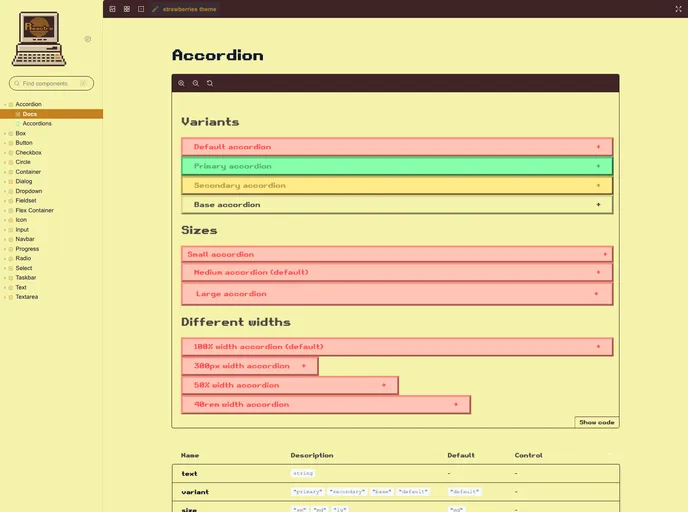
A retro-inspired React component library with Typescript support
Reactro UI is a retro-inspired React component library with Typescript support. It provides a collection of components that can be easily integrated into any React project.
To install Reactro UI, follow these steps:
npm install reactro-ui
npm install styled-components
Once Reactro UI is installed, you can start importing and using its components in your React project. Follow these steps to get started:
ThemeProvider component provided by Reactro UI. This ensures that the correct theming and styling are applied.ThemeProvider accepts two props, theme and font, where you can choose from the available themes and fonts provided by Reactro UI.Reactro UI is a retro-inspired React component library that offers Typescript support and a variety of pre-built components. With easy installation and integration, it allows developers to quickly add a nostalgic flair to their React applications.

