React Native Netflix screenshot

React Native Netflix

Author Avatar Theme by Mariodev12
Updated: 16 Mar 2019
834 Stars

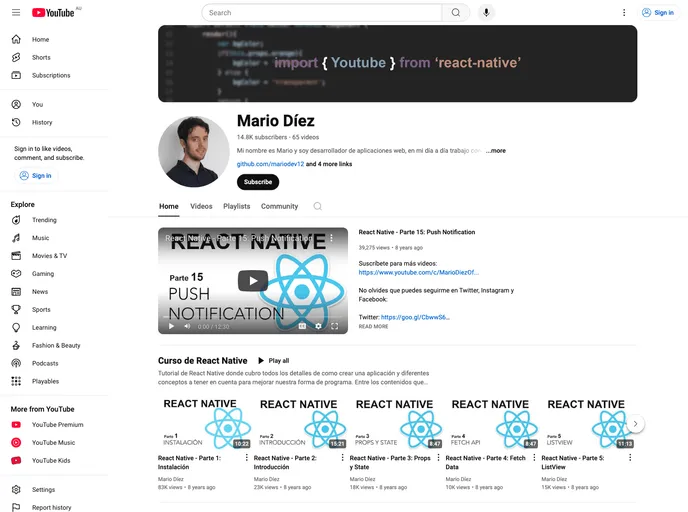
React Native App from my video Course on Youtube

Categories

Overview:

The React Native Netflix app is designed to emulate the style of Netflix for iOS. A series of walkthrough videos have been released on Youtube to explain each part of the application, giving developers insights into creating a similar interface.

Features:

  • Server Integration: Utilizes Netflix NodeJS & MongoDB for server-side functionality.
  • External Components: Includes popular external components like react-native-linear-gradient, react-native-swiper, and react-navigation.
  • React Native Version Compatibility: Requires React Native ^0.43 to support the new FlatList component.

Installation:

To install the React Native Netflix app, follow these steps:

  1. Use react-native link to install the following external components:
    • react-native-linear-gradient
    • react-native-orientation
    • react-native-side-menu
    • react-native-swiper
    • react-native-tab-view
    • react-native-vector-icons
    • react-native-video-controls
    • react-navigation
  2. Ensure you are using React Native version 0.43 or newer for optimal compatibility with the FlatList component.

Summary:

The React Native Netflix app provides developers with a template to create iOS applications with a design similar to Netflix. By utilizing external components and server integration, developers can achieve a polished and professional look while following the provided installation guide for a seamless setup.