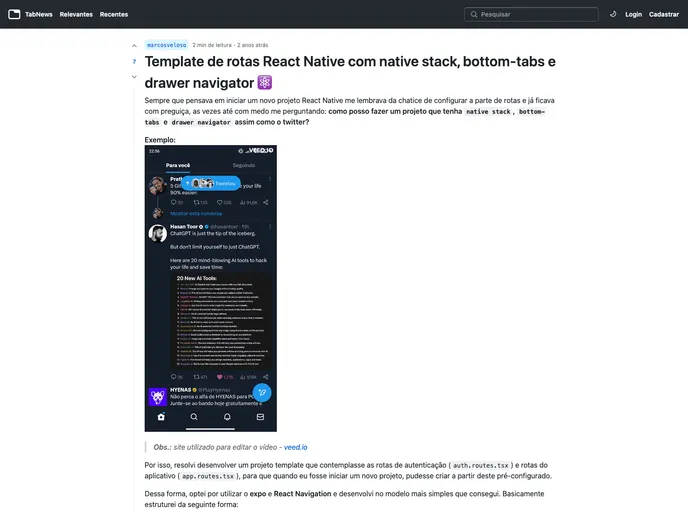
React Native Routes Template configured using Native Stack, Bottom Tabs and Drawer Navigator.
The Routes Template repository provides a convenient starting point for projects by offering a native stack, drawer, and bottom tabs already set up with initial screens and example routes. This eliminates the need to configure navigation manually, allowing users to quickly begin working on their own projects.
To install the Routes Template theme, follow these steps:
Clone the project:
git clone https://github.com/repository-name.git
Navigate to the project folder:
cd project-folder-name
Install the packages with yarn:
yarn install
Run with Expo:
expo start
Additional dependencies:
@react-navigation/drawer
@react-navigation/bottom-tabs
@react-navigation/native-stack
Expo
The Routes Template repository simplifies the initial setup process for projects by providing a pre-configured native stack, drawer, and bottom tabs with example routes and initial screens. By following the installation guide, users can quickly get started on their projects without the hassle of setting up navigation components themselves. Additionally, the repository is open for contributions, with a guide on how to fork and create pull requests for new features or bug fixes. If you find the project helpful, consider giving it a star on GitHub to show support for the developer.

