Quick way to star a web map application with MapLibre GL JS using Create React App.
Overview
MapLibre GL JS is an open-source library that enables developers to create stunning web maps. Being integrated with React, it offers an efficient way to create a full-featured mapping application effortlessly. This toolkit leverages the capabilities of MapTiler, providing users with a seamless experience while building custom map applications.
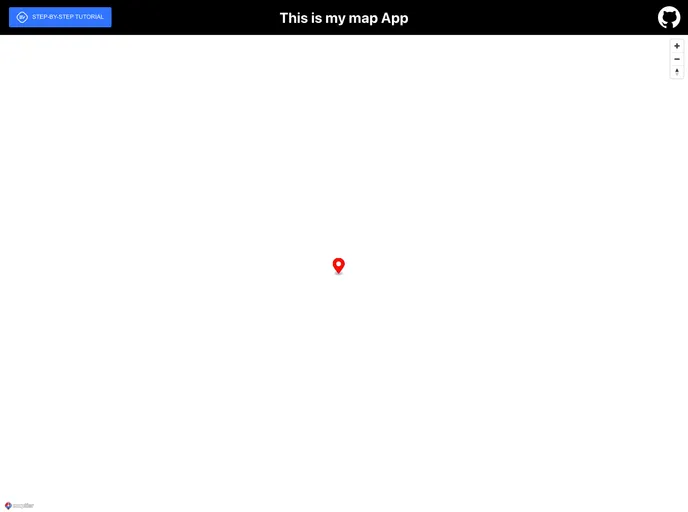
The provided example is a simple yet effective fullscreen map app that illustrates how to combine MapLibre GL JS and React. It introduces key components like navigation controls and markers, making it a great foundation for anyone looking to get started with web mapping in React.
Features
- Easy Setup: Quickly create a web map application using Create React App with minimal configuration needed.
- Fullscreen Functionality: The map component utilizes the entire screen, providing a minimalist and distraction-free user interface.
- Navigation Controls: Integrated navigation controls enhance user experience by allowing easy panning and zooming of the map.
- Customizable Markers: Allows users to add markers to specific locations on the map, making it easier to highlight important points.
- Step-by-Step Tutorial: Comprehensive guides available to help users display maps in React JS using MapLibre GL JS, suitable for all skill levels.
- MIT License: Clear permissions under the MIT License make it easy to use and modify for personal or commercial projects.
- Online Demos: Access to online demos to see the application in action and better understand its capabilities.
- MapTiler Integration: Seamless access to MapTiler maps, allowing for rich visualizations and enhanced mapping features.