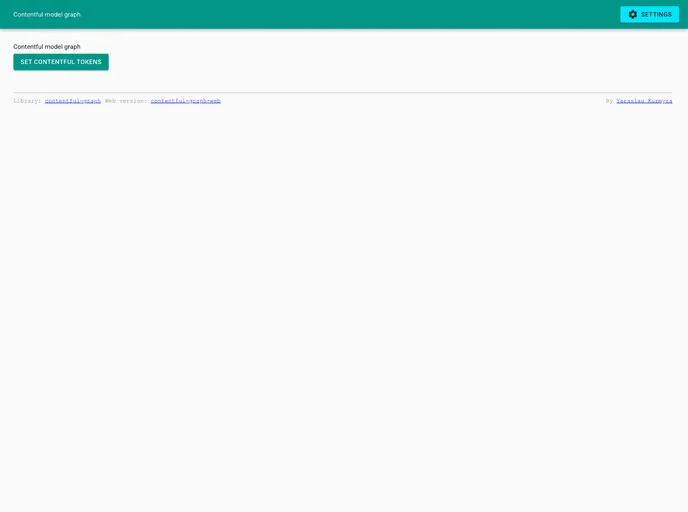
Simple web interface to contentful-graph
The contentful-graph-web is a simple web application that utilizes the contentful-graph library to display a graph of Contentful models. It allows users to visualize and understand the relationships between different models in a Contentful space. This web app makes it easier for developers and content creators to navigate and manage their Contentful content.
To install and run the contentful-graph-web app, follow these steps:
Make sure you have Docker installed on your machine.
Clone the contentful-graph-web repository from GitHub.
Navigate to the root folder of the cloned repository.
Build the Docker image by running the following command in your terminal:
docker build -t contentful-graph-web .
Once the image is built, run the Docker container using the following command:
docker run -p 3000:3000 contentful-graph-web
Open a web browser and go to http://localhost:3000 to access the contentful-graph-web app.
The contentful-graph-web app is a useful tool for developers and content creators who work with Contentful. By providing a visual graph representation of Contentful models, it helps users understand the relationships between different models more easily. With its seamless Contentful integration and interactive interface, this app simplifies the navigation and management of Contentful content. Additionally, its containerization with Docker ensures smooth deployment and easy setup for running the application.

