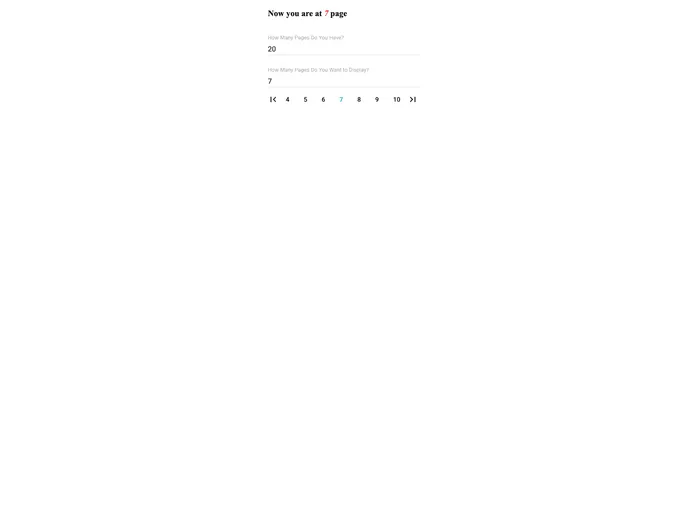
An easy to use and customizable pagination component for material ui.
The Material-UI Pagination component is a versatile and user-friendly tool that provides seamless navigation through multiple pages of content in applications built using Material-UI. Designed with ease of use and customization in mind, this component simplifies the implementation of pagination, making it suitable for developers looking for an efficient way to enhance user experience. Whether you are building a new application or integrating pagination into an existing one, this component offers the functionality and flexibility needed to suit a variety of requirements.
With straightforward installation and usage instructions, the Material-UI Pagination component is accessible even for beginners. Its support for both the latest React versions and the Material-UI framework ensures compatibility and helps developers focus on creating engaging interfaces without getting bogged down by complex pagination logic.
Easy Installation: Quickly integrate pagination into your project with a simple npm command, either for the stable or next version.
Customizable Props: Control various aspects of pagination such as total pages, currently selected page, and visible pages using straightforward properties.
Event Handling: Utilize an onChange handler to manage page selection changes, providing dynamic responsiveness to user interactions.
Styling Options: Personalize the look and feel of the pagination component with multiple style props, allowing deeper customization of the root element, buttons, and navigation links.
Compatibility: Built to work seamlessly with Material-UI, ensuring a consistent design language across your application.
Documentation Support: A comprehensive guide and code examples are available for developers to get started quickly and understand how to leverage the component’s full capabilities.
Active Page Highlighting: Easily identify the current page with customizable styles, enhancing user navigation experience.

