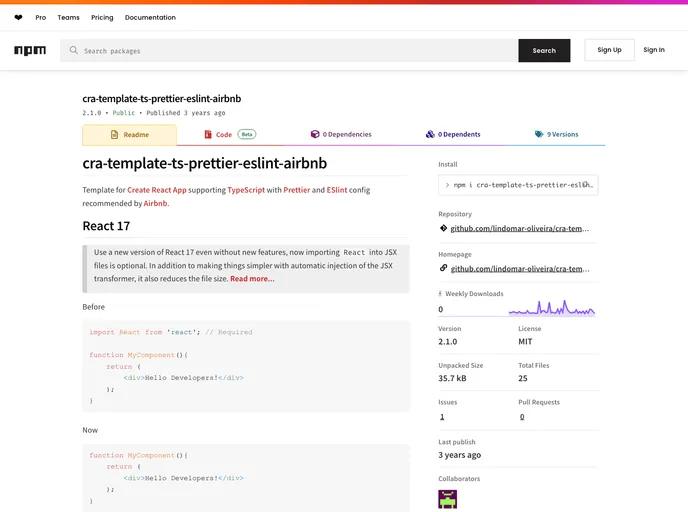
Template for Create React App supporting TypeScript with Prettier and ESlint config recommended by Airbnb.
Overview
The cra-template-ts-prettier-eslint-airbnb is a comprehensive template designed for developers looking to create a React application that fully embraces TypeScript. This template integrates essential tools like Prettier for code formatting and ESLint for static code analysis, following the best practices recommended by Airbnb. With React 17 being a key feature, it allows developers to take advantage of optional JSX imports, simplifying the coding process while maintaining a lightweight structure.
This template is a fantastic starting point for both new and experienced developers who are keen to establish a well-configured development environment right from the get-go. By adhering to high coding standards and including modern features, this setup promotes efficient development cycles and cleaner codebases.
Features
- TypeScript Support: Seamlessly integrates TypeScript into your React project for better type safety and improved developer experience.
- Prettier Integration: Ensures consistent code formatting across your project, allowing developers to focus on coding rather than style issues.
- Airbnb ESLint Configuration: Adopts the popular Airbnb style guide for JavaScript, offering a robust linting setup that helps catch errors and enforce best practices.
- React 17 Compatibility: Utilizes the latest React version, enabling optional JSX imports for a cleaner codebase and reduced file size.
- Custom Template Creation: Easily spin up a new React project using this tailored template, streamlining your project setup process.
- MIT License: The free-to-use MIT license promotes sharing and collaboration within the development community.
- Node.js Prerequisites: Compatible with Node.js versions 8.10 and higher, ensuring a modern development environment.
- Development Simplification: Automates several processes, making it easier to navigate through the project structure without unnecessary complexities.