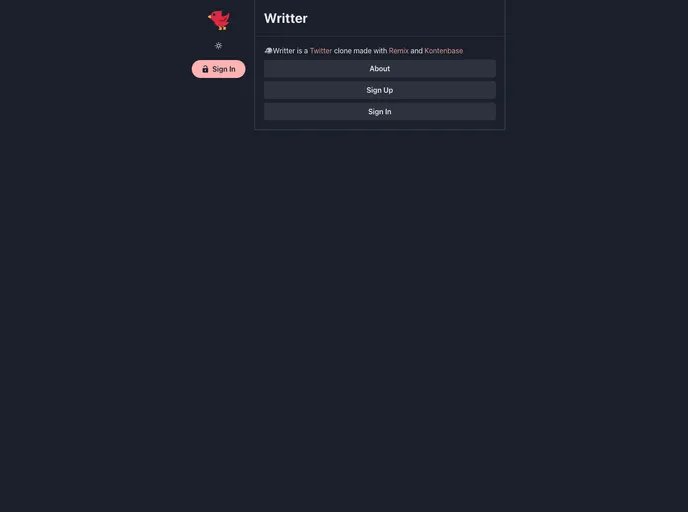
A very simple Twitter clone with Remix and Kontenbase. Just a demo, not meant to be 100%
Overview:
Writter is a Twitter clone built with Remix and Kontenbase. It is a demo application and not intended to be fully complete. The application is styled using Chakra UI and has features like authentication, authorization, creating and deleting Wreets (Tweets), viewing user profiles, and more. The tech stack includes React, Remix, React Router, HTML, CSS, JavaScript, and TypeScript.
Features:
- Landing page: A landing page for the application.
- Authentication/Authorization: Ability to sign up, sign in, and sign out.
- Permission of ownership: Users have ownership permission for their Wreets.
- Home with timeline of Wreets: Users can view a timeline of Wreets.
- View Wreet content page: Users can view the content of a Wreet.
- View user profile: Users can view the profile of other users.
- Create a new Wreet: Users can create new Wreets.
- Delete owned Wreet: Users can delete Wreets they own.
Installation:
- Sign in and set up a new Kontenbase Project.
- Obtain the API Key from the Settings.
- Obtain the API URL.
- Create a new private wreets service and customize it with the required fields.
- Customize the users service to include the required fields.
- Test the sign-up, sign-in, create Wreet, get all Wreets, get a single Wreet by ID, and delete a Wreet functionalities.
- Refer to the KontenbaseDocs for more information.
- Install dependencies by running
npm install in the project directory. - Start the development server with
npm run dev. - Open http://localhost:3000 in the browser.
- Install app dependencies by running
npm install dotenv dayjs invariant remix-auth remix-auth-form @kontenbase/sdk framer-motion @chakra-ui/react @chakra-ui/icons @emotion/react @emotion/styled in the project directory. - Install development dependencies by running
npm install -D @types/invariant @typescript-eslint/eslint-plugin @typescript-eslint/parser prettier eslint eslint-config-airbnb eslint-config-prettier eslint-plugin-import eslint-plugin-jsx-a11y eslint-plugin-react eslint-plugin-react-hooks eslint-plugin-unused-imports in the project directory. - Set up ESLint and Prettier config.
- Copy favicons assets and manifest.
- Note that the api folder is only for @remix-run/vercel.
- Set up chakra-ui.ts config file.
- Set up types.
- Set up components.
- Set up features.
- Set up libdayjskontenbase.
- Set up utils.
- Set up services (session.server, auth.server).
- Implement sign in and sign up functionalities using Kontenbase SDK and manual HTTP requests.
- Set up Remix root.
- Verify Remix entry client and server.
- Set up routes (index, about, signup, signin, signout, home, wreet, user profile).
- Deploy the application.
Summary:
Writter is a Twitter clone built with Remix and Kontenbase. It features authentication, authorization, creating and deleting Wreets, viewing user profiles, and more. The application is styled using Chakra UI and utilizes a tech stack including React, Remix, React Router, HTML, CSS, JavaScript, and TypeScript. The installation process involves setting up a new Kontenbase project, obtaining API keys, configuring services, and installing dependencies. Once set up, users can start developing and testing the application locally before deploying it.