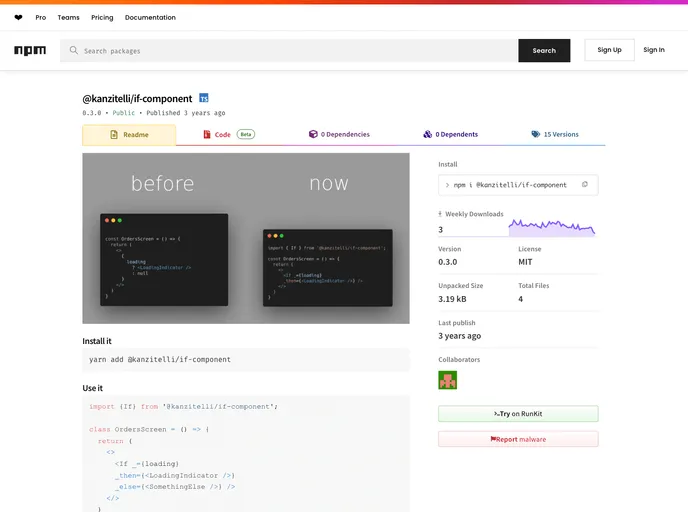
The tiniest missing component for React (Native). Can be used as a TS starter for building components and libraries.
The content provides a guide on how to install and use Expo Web, specifically for the if-component library. It also mentions the requirement of Reanimated 2 and the need for babel plugin. The content provides instructions for installing @expo/webpack-config and creating the webpack.config.js file. It also advises to update the tsconfig.json file if necessary and mentions the need to modify the library’s name in package.json and checking other scripts.
To install the if-component library and integrate it with Expo Web, follow these steps:
npm install @expo/webpack-config
Create a webpack.config.js file in the root of your project.
If needed, update the tsconfig.json file and add the webpack.config.js file to the exclude section.
Update the name of your library in the “package.json” file and check other scripts.
The content provides a step-by-step guide on how to install and use Expo Web with the if-component library. It also highlights the need for Reanimated 2 and the babel plugin, as well as the requirement to transpile the library with Expo Web.

