Alerts / Notifications for React with rich configuration options
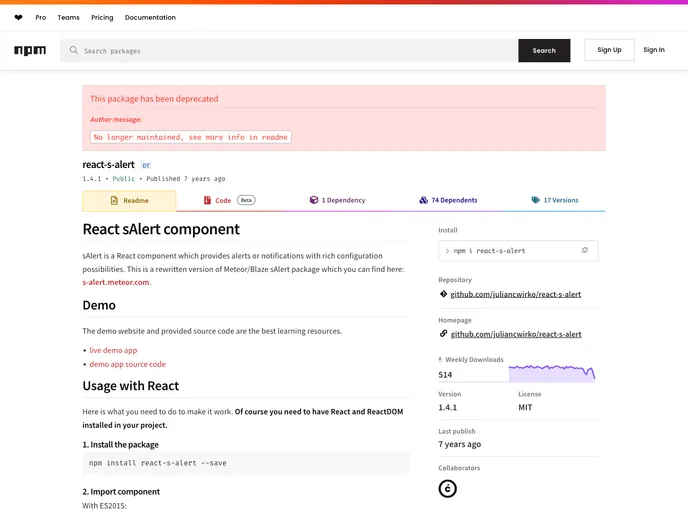
React sAlert is a package for creating alerts or notifications in a React application. It is a rewritten version of the Meteor/Blaze sAlert package and provides rich configuration possibilities. The package is no longer maintained and needs major adjustments and rewrites.
To use React sAlert in your project, follow these steps:
npm install react-s-alert
import { Alert } from 'react-s-alert';
With ES5:
var Alert = require('react-s-alert').Alert;
import 'react-s-alert/dist/s-alert-default.css';
import 'react-s-alert/dist/s-alert-css-effects/bouncyflip.css';
import 'react-s-alert/dist/s-alert-css-effects/flip.css';
// Import other CSS files for effects here
With ES5:
require('react-s-alert/dist/s-alert-default.css');
require('react-s-alert/dist/s-alert-css-effects/bouncyflip.css');
require('react-s-alert/dist/s-alert-css-effects/flip.css');
// Import other CSS files for effects here
import React from 'react';
import { Alert } from 'react-s-alert';

function App() {
  return (
    <div>
      {/* Your app content */}
      <Alert stack={{/* limit: 3 */}} />
    </div>
  );
}

export default App;
Alert.warning("This is a warning message");
Alert.error("This is an error message");
Alert.info("This is an info message");
Alert.success("This is a success message");
React sAlert is a package for creating alerts or notifications in a React application. It is a rewritten version of the Meteor/Blaze sAlert package and provides rich configuration possibilities. The package is no longer maintained and requires major adjustments and rewrites. It can be installed using npm, and it offers various features such as easy usage with React, support for different types of alerts, and options to customize the styling and effects of the alerts.

