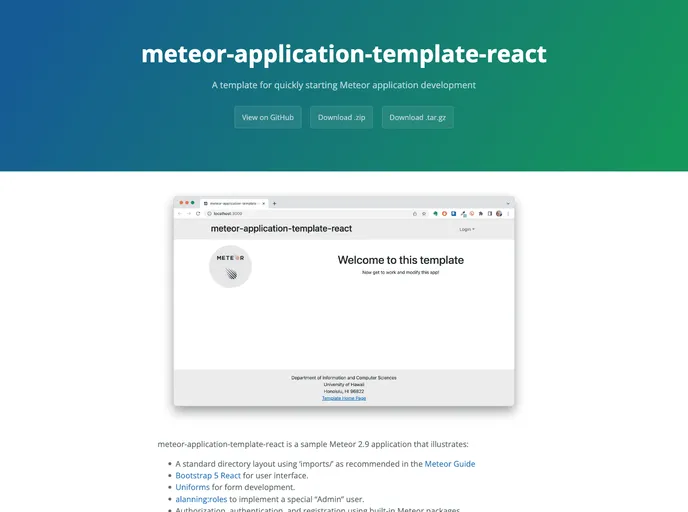
Template for application development using Meteor, Semantic UI, and React
The CI Badge is an old template that is no longer maintained. It is recommended to use the Meteor Application Template React instead.
To install the Meteor Application Template React, follow these steps:
git clone https://github.com/ics-software-engineering/meteor-application-template-react.git
cd meteor-application-template-react
meteor npm install
meteor
The template should now be successfully installed and running on your local machine.
The CI Badge is an outdated template that is no longer maintained. It is recommended to use the Meteor Application Template React instead, which offers a more up-to-date and actively maintained solution for building Meteor applications. The template is easy to install and comes with features such as React integration and Semantic UI for creating visually appealing user interfaces.

