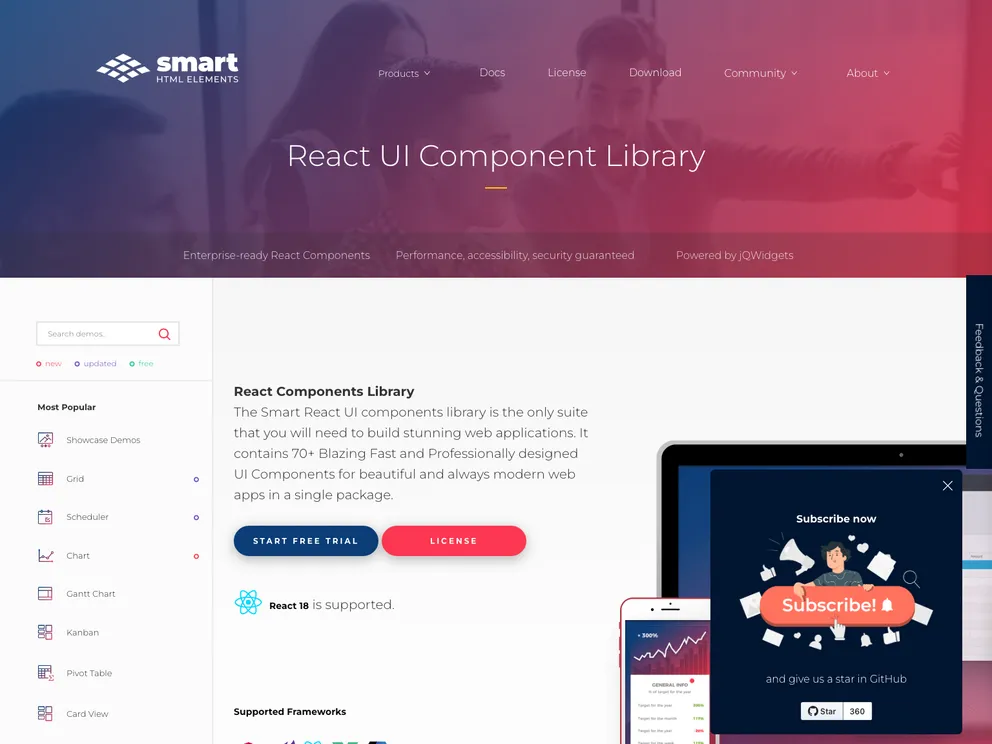
Smart UI for React
Smart UI for React JS is a commercial UI library designed for developing business applications with React. With over 80 UI components, including Grid, Pivot Table, Scheduler, Editor, Kanban, Chart, Gantt, Docking Layout, and TreeGrid, this library provides all the necessary tools for building modern web applications with React. Smart UI components are built from the ground up, providing a comprehensive and feature-complete set of UI controls. The library supports native React features and offers Material Design and Bootstrap themes.
To install Smart UI for React JS, follow these steps:
Example code for installing Smart UI for React JS:
npm install smart-react
import { Grid, Chart, Scheduler } from 'smart-react';

function App() {
  return (
    <div>
      <Grid />
      <Chart />
      <Scheduler />
    </div>
  );
}

export default App;
Smart UI for React JS is a comprehensive commercial UI library that provides a wide range of UI components for building modern web applications with React. With its enterprise-grade components, native React support, and material design and bootstrap themes, Smart UI offers developers the tools they need to create visually appealing and feature-rich applications. The installation process is straightforward, allowing developers to quickly integrate the library into their projects and start using the components.

