Overview
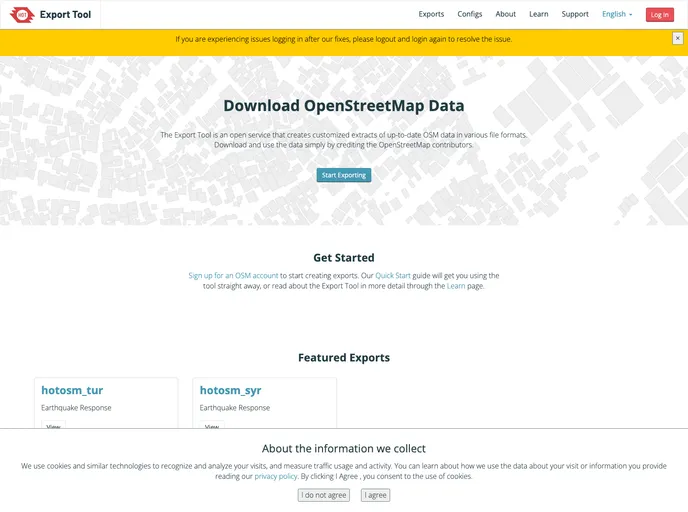
The Export Tool is an innovative web service that simplifies the extraction of OpenStreetMap (OSM) data for use in Geographic Information System (GIS) applications and mobile devices. By allowing users to define specific areas of interest and select OSM tags to include, the Export Tool generates downloadable data files in formats like CSV or GeoJSON. This service is particularly useful for those engaged in humanitarian mapping efforts, ensuring they have access to the latest information on the ever-evolving OSM database.
With updates occurring every minute, the Export Tool stands out as a highly efficient resource for obtaining current OSM data, making it a critical asset for organizations that rely on accurate mapping information. Its user-friendly interface offers various features, ensuring that users can seamlessly create exports tailored to their unique requirements.
Features
- Real-Time Synchronization: Updates every minute to reflect changes in the OSM database, providing the most current data available.
- Customizable Exports: Users can define areas using polygons and select specific OSM tags to include in the exported files.
- Multiple Formats: Exports can be generated in different formats such as CSV and GeoJSON, catering to a wide range of GIS applications.
- Periodic Exports: Designed for humanitarian organizations, the tool supports regular data exports to assist ongoing mapping efforts.
- Email Notifications: Users receive notifications upon export completion, enhancing the overall efficiency of the process.
- User-Friendly Interface: Built on OpenLayers, the tool provides easy geometry drawing and error reporting features, making it accessible for all skill levels.
- Development Support: Comes with additional resources for developers, including a command line tool and Python library for offline data access.
- Active Community Contribution: Encourages users to report bugs and contribute to the project, fostering a collaborative environment for continuous improvement.