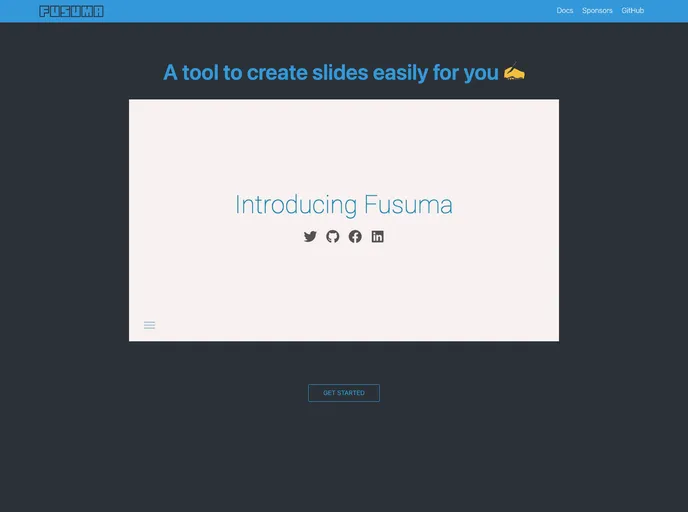
Fusuma makes slides with Markdown easily.
Overview
Fusuma is a versatile presentation tool designed for the modern developer, allowing users to create stunning slideshows using Markdown and MDX. It prioritizes simplicity with zero configuration requirements and offers a suite of features that cater to various presentation needs. Whether you want to present live, share slides as PDFs, or deploy on platforms like GitHub Pages, Fusuma streamlines the process ensuring a high-quality output.
With support for themes, syntax highlighting, and accessibility checks, Fusuma stands out in the crowded marketplace of presentation tools. It makes creating and managing slides an intuitive experience, even integrating functionalities to enhance the learning and presenting journey. The tool is not only focused on aesthetics but also ensures that the resulting presentations adhere to best practices in web development, including SEO and accessibility.
Features
- Zero Config: Start creating presentations immediately without the need for extensive setup or configurations.
- Multiple Presentation Modes: Switch between Init, Development, Presentation, PDF, and Deploy modes for various presentation and workflow needs.
- Customizable Themes: Choose from a range of pre-defined themes or create your own to match your style.
- Syntax Highlighting: Enhance code presentations with built-in code syntax highlighting for better readability and visual appeal.
- Accessibility Checks: Automated a11y checks ensure that your slides are accessible to everyone, following web standards.
- Browser-friendly Slides: Create presentations that work seamlessly across different browsers, enhancing compatibility for audience viewing.
- Automatic Deployment: Easily set up GitHub actions that deploy your slides to gh-pages, simplifying the sharing process.
- Presenter Features: Utilize speaker notes, timers, and voice recording capabilities to elevate your presentation experience.