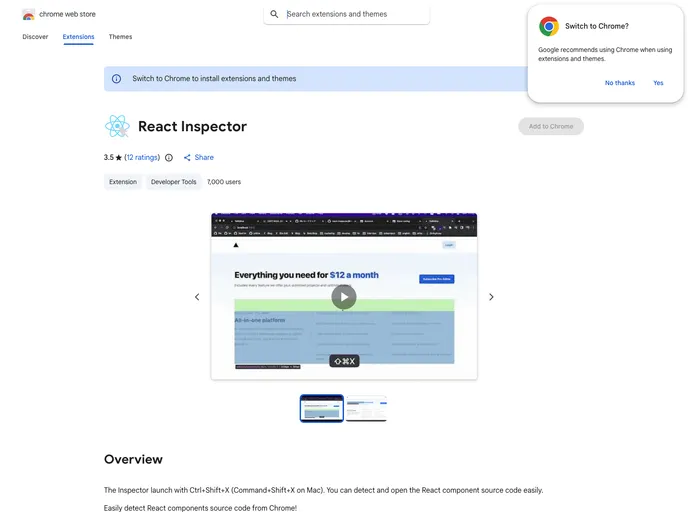
Easily detect React components source code from Chrome!
React Inspector is a highly useful Chrome extension designed for developers working with React applications. This tool streamlines the process of detecting and accessing the source code of React components directly within the browser. By integrating seamlessly with the React Developer Tools, React Inspector enhances productivity and efficiency when debugging and developing complex applications.
With a simple keyboard shortcut, developers can easily inspect components and jump straight to their source code without excessive navigation. Whether you’re utilizing VSCode or any other editor, this tool allows for customization, making it adaptable to your workflow.
Easy Access to Source Code: Quickly detect React component source code with just a keyboard shortcut, simplifying the debugging process.
Customizable Editor Integration: Modify the open URL in the options page to link directly to your preferred code editor, enhancing your development environment.
Development Focused: Built to run alongside development builds, ensuring that you’re always working with the most current version of your application’s code.
Seamless Integration: Works in tandem with React Developer Tools, providing enhanced capabilities for developers already familiar with the tools.
Local Source Code Requirement: Optimized for local development, ensuring that source code is easily accessible when stored on your local disk.
React Fiber Access: Utilizes React Fiber data, giving you in-depth insights into components by hovering over them within the Chrome browser for easier inspection.
Incorporating React Inspector into your development routine can boost your efficiency and streamline your workflow significantly.

