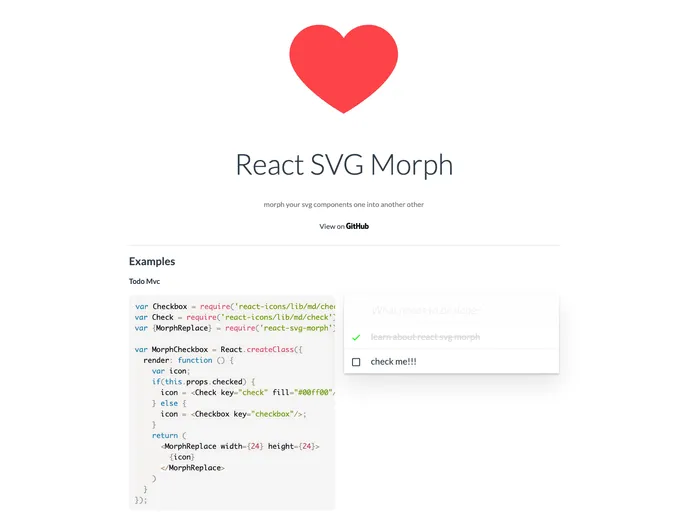
:crystal_ball: morph your svg component one into another other
React SVG Morph is an innovative tool aimed at enhancing the graphical experience in React applications. It allows developers to morph SVG components into one another seamlessly, creating dynamic and engaging user interfaces. Ideal for those who prioritize fluid animations and interactivity, this library is particularly useful in scenarios where visual transitions enhance the overall user experience.
Whether you are working on a web project or utilizing React Native (with some limitations to iOS), React SVG Morph simplifies the animation process, making it more intuitive and accessible. By employing this library, you can easily incorporate morphing animations that bring your SVG graphics to life without a steep learning curve.
Morphing Animation: Enables smooth transitions between SVG components, providing a visually appealing experience for users.
Custom Attributes: Supports passing standard SVG attributes like fill, opacity, and styles directly to the SVG elements for full customization.
Multiple Component Options: Offers both <MorphReplace /> and <MorphTransition /> components to suit different morphing needs, whether you’re replacing elements or transitioning based on progress.
Dynamic ViewBox Handling: The <MorphReplaceResize /> component normalizes SVG paths for elements with differing viewBox attributes, ensuring a flawless transformation.
Configurable Animation Duration: Allows developers to set custom animation durations (default of 350ms) to suit the pacing of their application’s UI.
Rotation Options: Provides flexibility in animation rotation with options for clockwise, counterclockwise, or none, enhancing the animation’s dynamism.
Easing Functions: Includes default linear easing functions and the option to incorporate custom easing, allowing for tailored animation effects.
Compatibility with React Icons: Works effortlessly with react-icons, expanding the library’s usability and appeal for developers using iconic representations in their interfaces.

