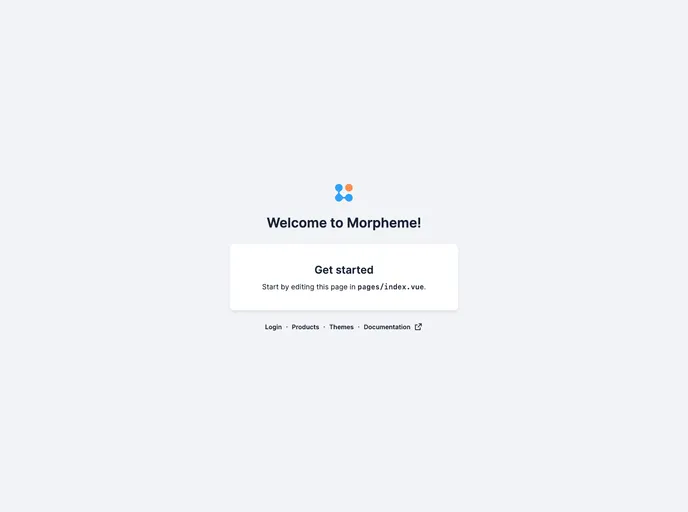
Nuxt 3 + Morpheme UI Starter
The Nuxt and GITS UI Starter Kit is a comprehensive setup for Vue.js projects that combines the power of Nuxt.js with a variety of GITS UI components. It is designed to help Vue.js developers quickly create professional web applications. With pre-configured setups and a range of features, this starter kit provides a solid foundation for building robust applications.
To install the Nuxt and GITS UI Starter Kit, follow these steps:
Create a new project using the create-gits-app command:
create-gits-app
Choose the Nuxt Starter template when prompted.
Install the project dependencies by running the following command:
npm install
(Optional) Set up the environment variables by copying the .env.example file to .env and updating the values with your own.
(Optional) Customize the README file with specific information about your project.
(Optional) Reset the version number in the package.json file to 0.0.0.
(Optional) Install the Vue Volar extension for an enhanced development experience.
(Optional) Enable Volar takeover mode to ensure a smooth editor setup.
The Nuxt and GITS UI Starter Kit is a comprehensive solution for Vue.js developers looking to quickly get started on their projects. With pre-configured setups, a wide range of features, and a collection of GITS UI components, this starter kit provides a solid foundation for creating professional web applications. Whether you are building a small personal website or a complex web app, the Nuxt and GITS UI Starter Kit has everything you need to streamline your development process.

