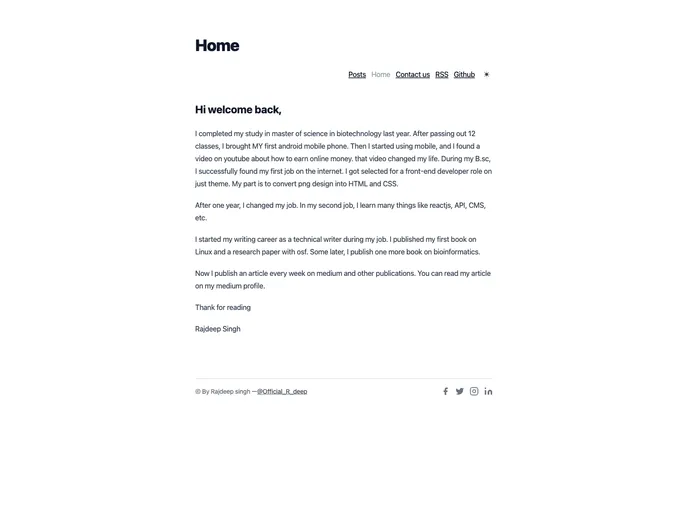
Overview:
The Nextra Blog Theme is a portfolio blog that is built with Next.js and Nextra. It offers various features and customization options to create a professional and functional blog.
Features:
- Home page: The theme provides a customizable home page layout to showcase featured content or recent posts.
- Author support: The blog theme includes support for displaying author information on posts and pages.
- Tags support: Users can categorize their posts using tags for better organization and navigation.
- Newsletter support: The theme offers integration with newsletter services, allowing readers to subscribe and receive updates.
- Comment support: Users can enable comments on their blog posts to foster discussion and engagement.
- Syntax (code) highlighting: The theme includes syntax highlighting functionality for code snippets within blog posts.
- Header, post footer, and footer customization: Users can customize the appearance and content of the header, post footer, and footer sections.
- SEO and Sitemap support: The blog theme is built with search engine optimization in mind and has built-in support for generating a sitemap.
Installation:
To utilize the Nextra Blog Theme, follow these installation steps:
- Update your footer, navbar, comments, and postFooter in the
theme.config.js file. - Update your name and site URL for the RSS feed in the
scripts/gen-rss.js file. Run pnpm feed or yarn feed to create or update the feed in your blog. - Update the meta tags in
pages/_document.js. - Update the posts inside
pages/posts/*.md with your own content. - Remove the
basePath: '/nextra-blog' in next.config.js to avoid a blank screen on localhost:3000.
Summary:
The Nextra Blog Theme is a Next.js and Nextra-based portfolio blog with various features and customization options. It offers support for author information, tags, comments, newsletters, and syntax highlighting. With its customizable layout and SEO support, it provides a platform for creating a professional and engaging blog. The installation process involves configuring various files to suit personal preferences and content.