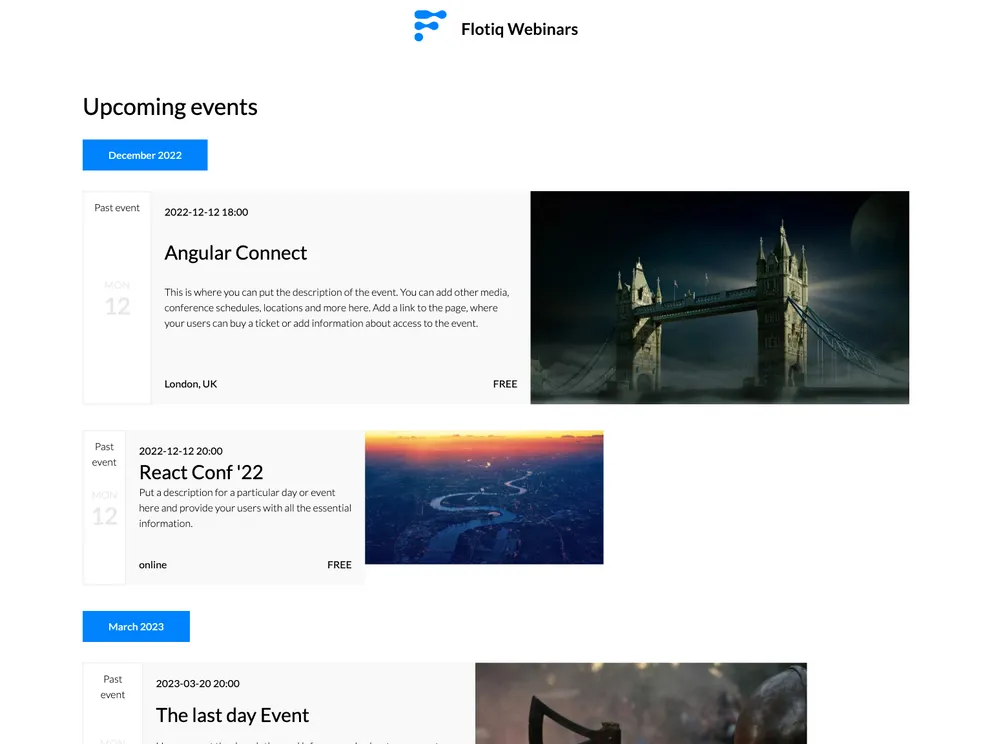
This article is a product analysis of a Gatsby starter theme for events with Flotiq source. The theme is designed to help developers kickstart their event-related projects by providing a boilerplate with the necessary Gatsby configuration files. It also includes integrations with Flotiq, a headless CMS for managing content, and Tailwind, a utility-first CSS framework. The theme is optimized for performance and requires Node.js version 18.0.0 or higher. The article provides instructions on installation and usage, as well as tips for managing content updates during development and production.
To install the Gatsby starter for events with Flotiq source, follow these steps:
Use the Flotiq CLI to start the project from a template:
flotiq new projectName flotiqApiKey
Replace projectName with the desired project path (use . for current directory), and flotiqApiKey with the Read and Write API key for your Flotiq account.
Navigate into the project directory:
cd projectName
Install the necessary dependencies:
npm install
Set up the environment variables by creating a .env.development file in the project root directory with the following structure:
FLQ_API_READ_KEY=yourFlotiqReadAPIKey
FLQ_API_WRITE_KEY=yourFlotiqWriteAPIKey
Optional: If you want to import example data into your Flotiq account, run the following command:
flotiq-import
Start the development server:
gatsby develop
Your site should now be running at http://localhost:8000.
The Gatsby starter for events with Flotiq source is a powerful boilerplate theme for event-related projects. It provides seamless integration with Flotiq, a headless CMS, and Tailwind, a CSS framework, making it easy to manage content and customize the appearance of the site. The theme is optimized for performance and supports real-time development, allowing developers to see changes reflected in the browser instantly. The article also provides instructions for managing content updates during development and production. Overall, this theme is a great starting point for developers looking to build event websites or applications.

