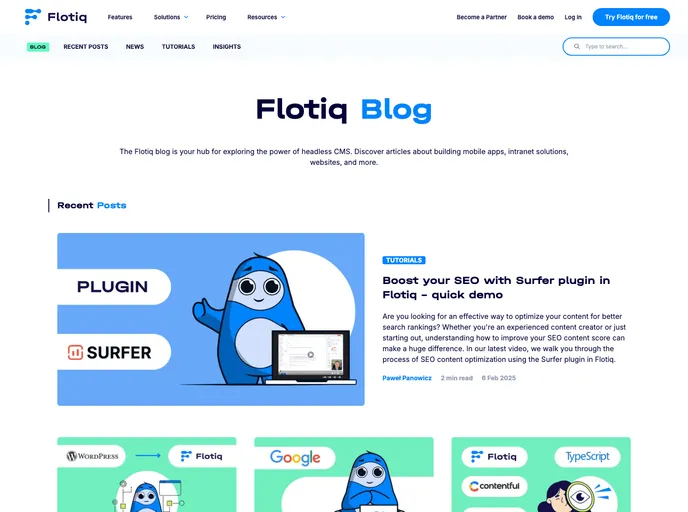
Gatsby starter for the Flotiq Blog
Flotiq Blog is a Gatsby starter project designed for a blog with tags and authors. It is configured to pull recipe data from Flotiq and can be easily deployed to various cloud hosting platforms such as Heroku, Netlify, and Gatsby Cloud.
To start the project from the template using Flotiq CLI:
flotiq --apiKey=[flotiqApiKey] --project=[projectName]
To start the project from the template using Gatsby CLI:
gatsby new flotiq-blog https://github.com/flotiq/gatsby-starter-flotiq-blog
cd flotiq-blog
gatsby develop
To configure the application:
FLOTIQ_API_KEY=[Read-only Application key]
SCOPED_FLOTIQ_API_KEY=[Scoped User key with read-only access to blog posts, media, tags, and authors]
Flotiq Blog is a Gatsby starter project that allows users to create a blog with tags and authors. It makes use of Flotiq to pull recipe data and can be easily deployed to popular cloud hosting platforms. With features like easy management of posts using Flotiq editor, import of example data, and simple deployment options, Flotiq Blog provides a user-friendly experience for building and maintaining a blog. Collaboration and support are available through Discord Chat and issue reporting to ensure a smooth development process.

