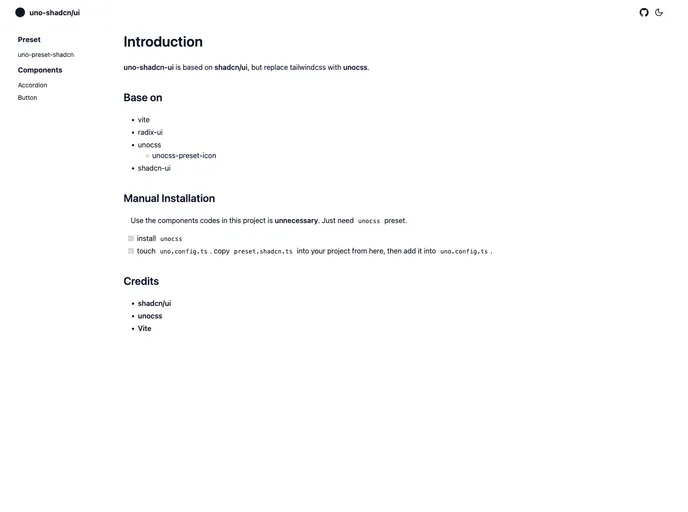
The shadcn-ui unocss preset is a project created for fans of unocss and shadcn-ui who want to take advantage of the speed and convenience that unocss brings. This project combines the two to enhance the development experience by leveraging the benefits of both libraries.
uno.config.ts file and copy preset.shadcn.ts into your project.uno.config.ts.preset.shadcn.ts.uno.config.ts.pnpm add lucide-react class-variance-authority clsx tailwind-merge.utils.ts into your project at src/lib.components.json in your project root and modify as needed. Then run pnpm dlx shadcn-ui@latest add [component].The shadcn-ui unocss preset provides an easy and efficient way for developers to integrate shadcn-ui with unocss, benefiting from the speed and convenience that unocss offers. By following the installation guide and customizing with theme colors, developers can enhance their projects with this preset. Additionally, the project provides clear instructions on dependencies and setup for both shadcn-ui and shadcn-vue projects.

