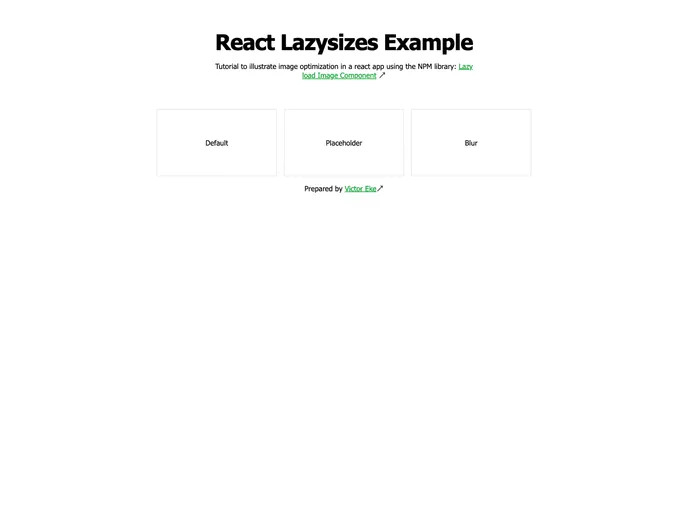
React Lazyload screenshot

React Lazyload

Author Avatar Theme by Evavic44
Updated: 10 Aug 2022
10 Stars

A tutorial to illustrate how to lazyload images in a react app using react lazy load image component library

Categories

Overview

React Lazy Load Image Component is an impressive NPM library designed for optimizing image loading in React applications. The lazy loading technique is vital for improving the performance of web pages, especially those with heavy image content. This library not only facilitates lazy loading but also enhances user experience with a variety of visual effects.

By using this library, developers can seamlessly add placeholder images while higher-resolution images load in the background. This not only keeps the interface smooth but also provides users with an engaging visual experience as they interact with the images.

Features

  • Placeholder Support: Easily add a placeholderSrc attribute to show a placeholder image while the main image is loading, improving user experience.
  • Multiple Effects: Offers various effects such as blur, black-and-white, and opacity transitions, which enhances the presentation as images load.
  • Simple Integration: Integration into a React application is straightforward, requiring minimal setup to get started with lazy loading images.
  • Performance Optimization: By loading images only when visible, this component enhances page load speeds and reduces bandwidth usage.
  • CSS Dependency: Uses CSS for effects, ensuring that developers have full control over the styling and transitions applied to images.
  • Developer Testing: Includes recommendations for testing lazy loading in different network conditions to effectively evaluate performance and user experience.