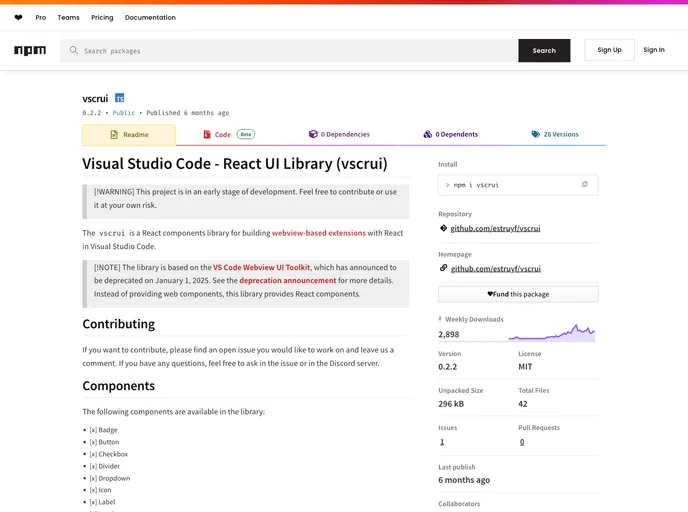
A React components library for building webview-based extensions with React in Visual Studio Code.
Visual Studio Code’s React UI Library, known as vscrui, offers an innovative way for developers to build webview-based extensions using React within the familiar environment of Visual Studio Code. This library serves as an efficient alternative to the now-deprecated VS Code Webview UI Toolkit, providing tailored React components that simplify the development process. With a focus on utility and ease of use, vscrui empowers developers to create interactive and modern interfaces directly within VS Code.
As a component library, vscrui enhances the overall development experience by offering a variety of pre-made components that can be easily integrated into projects. Whether you’re a seasoned developer or just starting, the user-friendly setup ensures that you can quickly get up and running with powerful tools for your webview extensions.
React Component Integration: vscrui provides a variety of React components designed explicitly for building webview extensions, making development more streamlined.
Dependency on Codicons: Users must import the Codicon CSS file to utilize the Icon component, ensuring seamless visual consistency with Visual Studio Code’s design.
Easy Installation: Installing vscrui is straightforward—just run a simple npm command, allowing you to focus more on development rather than setup hassles.
Development Support: The library includes a storybook development server, providing an interactive environment where developers can test and modify components in real-time.
Open Source Contributions: The library encourages community involvement, allowing developers to contribute by addressing open issues or adding new features, fostering a collaborative development environment.
Future Component Additions: vscrui is continuously evolving with the promise of future components like Tooltip and Multi-select, keeping the library relevant and expansive.
Documentation and Community Support: The library encourages users to engage with the development team via comments and discussions on issues or through their Discord server, creating a supportive community atmosphere.

