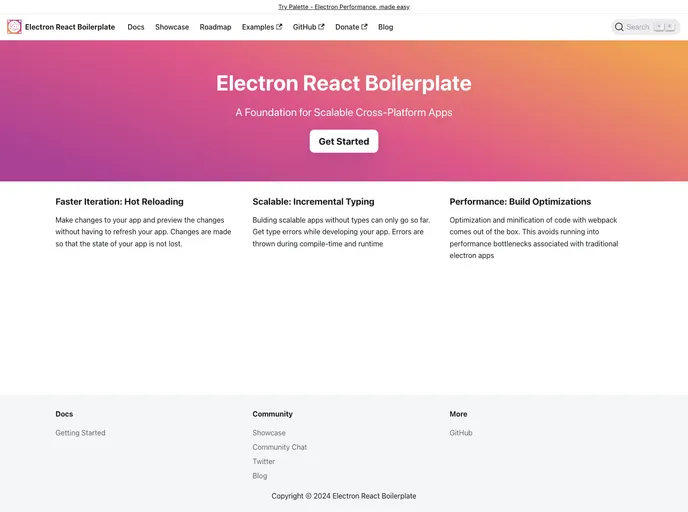
The docs for electron-react-boilerplate
Electron React Boilerplate (ERB) serves as a powerful starting point for building cross-platform desktop applications using React and Electron. It streamlines the development process, providing developers with a solid foundation to create feature-rich applications. By combining the robust capabilities of Electron with the dynamic UI of React, ERB enhances productivity and reduces boilerplate code.
The setup is straightforward, allowing developers to focus on their app rather than the underlying configurations. Additionally, it encourages contributions from the community, offering a platform for developers to showcase their creations and share their work with others.
Cross-Platform Compatibility: Build applications that run seamlessly on Windows, macOS, and Linux with a single codebase.
React Integration: Take advantage of the component-based architecture of React to create interactive and user-friendly UIs with ease.
Built-in Configuration: Enjoy out-of-the-box support for webpack and Babel, simplifying project setup and configurations.
Hot Reloading: Experience instant feedback during development with hot module replacement, allowing for quicker iterations.
Community Contributions: Engage with a vibrant community of developers, where you can showcase your app or contribute improvements to the boilerplate.
Performance-Focused: Optimizations are in place to ensure applications built on ERB run efficiently, providing a smoother user experience.
Documentation and Resources: Access comprehensive documentation to guide you through various aspects of development and contributing to the project.

