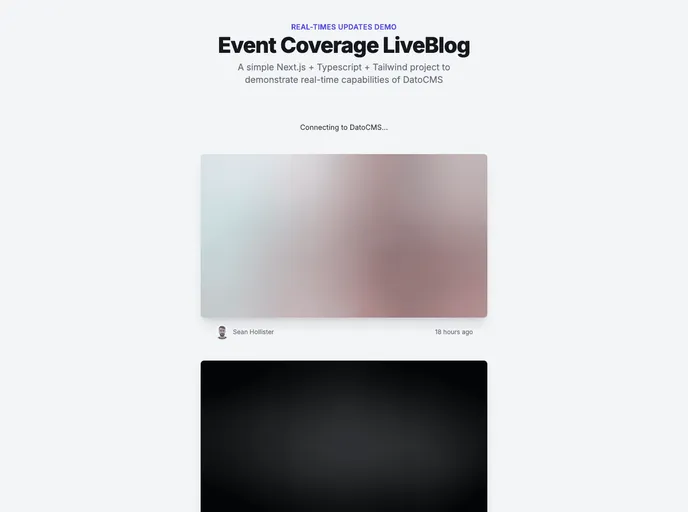
A Next.js project demonstrating the use of DatoCMS Real-time Updates API.
This Next.js project is created using create-next-app and showcases the utilization of DatoCMS Real-time Updates API. It allows for real-time updates to be made to the website. Additionally, a demo of the project is available at here, which can be deployed for free. To learn more about integrating DatoCMS with Next.js, there are several resources provided.
To install and run the project locally, follow these steps:
Create a .env.local file and add the following line, replacing NEXT_PUBLIC_DATOCMS_API_TOKEN with the API token of your DatoCMS project:
NEXT_PUBLIC_DATOCMS_API_TOKEN=YOUR_API_TOKEN_HERE
Run the development server using the command:
npm run dev
Open your browser and access http://localhost:3000 to view the website. You can start editing the pages by modifying the pages/index.js file. The changes will automatically update the page.
This Next.js project demonstrates the use of DatoCMS Real-time Updates API, allowing for real-time changes to be made. It provides a demo project that can be deployed for free. By following the installation guide, users can easily set up and run the project locally to test and experiment with its functionality.

