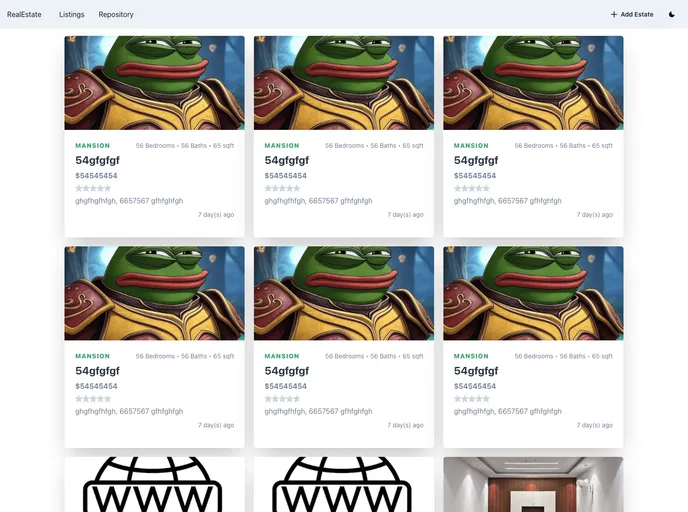
NextJS application showcasing a template real estate platform
RealEstateA is a NextJS application that showcases a template real estate platform using MongoDB. This project serves as a playground for developers who want to learn about NextJS + MongoDB integration. It covers the process of adding estates to a database and displaying the listing of those estates to the user. The project can be expanded based on the user’s requirements.
To get the project files locally on your machine:
Clone the repository by running the following command in your terminal or command line:
git clone [repository_url]
Set up the .env file in the root directory with the appropriate API keys and credentials from the following service providers: Google Firebase and MongoDB Atlas.
Install all the dependency packages found in the package.json file by running either of the following commands from the project root directory:
yarn install
or
npm install
Start the development server of the application by running the following command:
npm run dev
or
yarn dev
This will log some start-up application information and display the development server URL: http://localhost:3000. Visit this URL to view the application.
RealEstateA is a NextJS application that provides a template real estate platform using MongoDB. It serves as a quickstart for developers who want to learn about integrating NextJS with MongoDB. The application features the ability to add estates to a database and display them to the user. The project follows the MVC architecture and utilizes various libraries for front-end development, backend integration, database management, file storage, form validation, and testing. The installation process involves cloning the repository, setting up the necessary environment variables, and installing the required dependencies.

