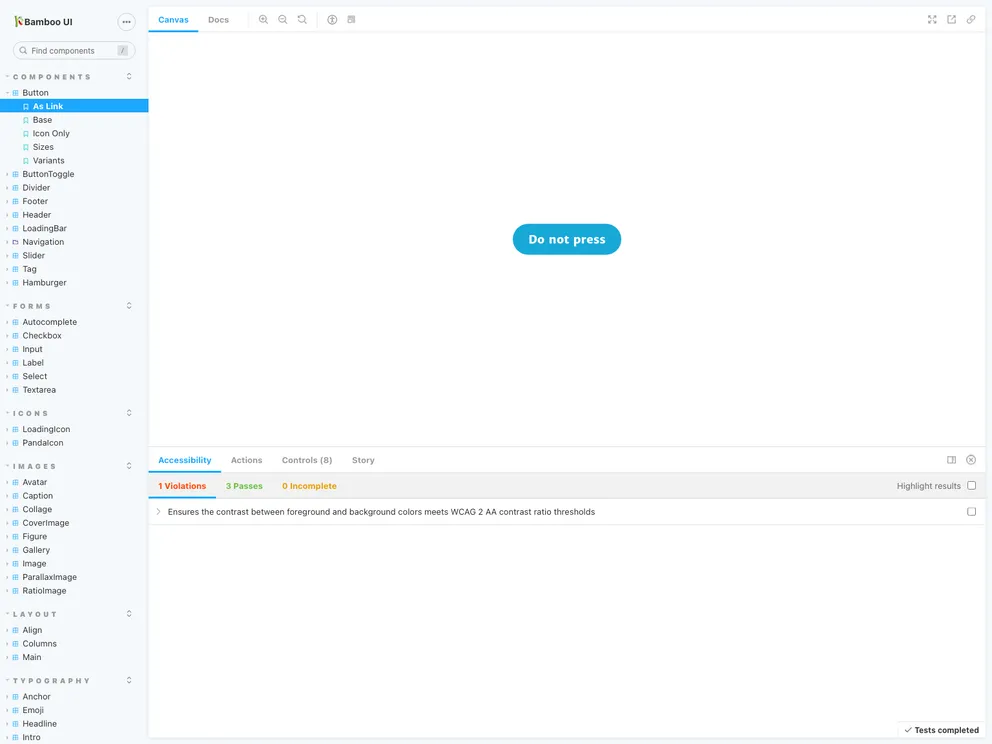
A library of basic React components
Bamboo UI is a component library built with TypeScript, React, CSS modules, and Feather icons. It provides a collection of reusable UI components for building React applications. The library follows design principles of being focused, inclusive, and organic. Bamboo UI offers a quick start guide to help developers integrate it into their projects. It also provides instructions on how to use CSS modules, import base styles, import components, and contribute to the project. Additionally, Bamboo UI includes linting, formatting, and testing processes to ensure high code quality.
To install Bamboo UI, follow the steps below:
Make sure you have React and react-dom installed as peer dependencies in your project:
npm install react react-dom
Install Bamboo UI using the following command:
npm install bamboo-ui
Configure CSS module loader for your bundler. If you are using Next.js or Create React App, CSS modules are supported out of the box. Otherwise, add and configure the css-loader for Webpack or find a similar loader for your bundler.
Import the base stylesheets (theme.css and base.css) globally in your application before any other imports from Bamboo UI.
For example, in a Next.js project, import the stylesheets in the _app.js file:
import 'bamboo-ui/theme.css'
import 'bamboo-ui/base.css'
You can now import and use the Bamboo UI components in your project.
Bamboo UI is a TypeScript and React component library that provides reusable UI components for building React applications. It leverages CSS modules for styling, allowing for modular and maintainable CSS. Bamboo UI includes a collection of Feather icons to enhance the visual appeal of the UI components. The library offers a quick start guide for easy integration, as well as customizable themes for creating unique designs. It welcomes contributions and ensures high code quality through linting and formatting processes. Although the library focuses more on visual components, it provides minimal testing for code confidence.

