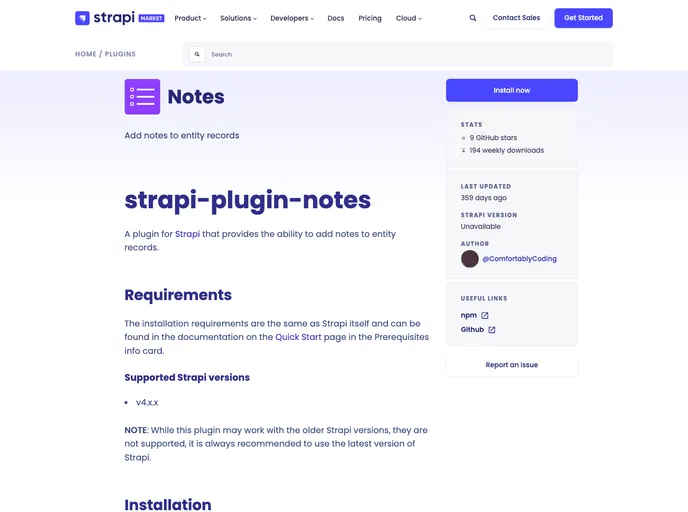
A plugin for Strapi Headless CMS that provides the ability to add notes to entity records.
The Strapi plugin “strapi-plugin-notes” is a useful tool for adding notes to entity records within a Strapi application. It provides an additional section in the edit view of all content types where users can add, edit, and delete notes associated with specific records.
To install the Strapi plugin “strapi-plugin-notes”, follow these steps:
npm install strapi-plugin-notes
./config/plugins.js. Make sure to configure any sensitive data to be stored in env files.The “strapi-plugin-notes” is a valuable plugin for Strapi users who need to add notes to entity records. With features such as a dedicated notes section in the edit view, the ability to add, edit, and delete notes, this plugin enhances the functionality and usability of the Strapi application. It is recommended to use the latest version of Strapi for optimal compatibility and support. If any bugs are encountered, users are encouraged to report them as Github Issues.

