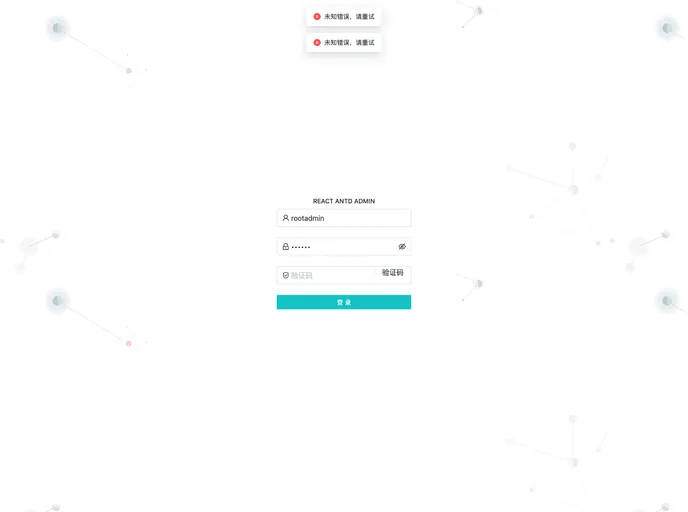
React Antd Admin screenshot

React Antd Admin

Author Avatar Theme by Buqiyuan
Updated: 21 Sep 2022
177 Stars

基于vite2.x + react17.x + typescript4.x + antd4.x + react-router6.x + mobx6.x编写的一款简单高效的前后端分离的权限管理系统

Categories

Overview

The React Antd Admin is a technology stack used for web application development. It utilizes TypeScript 4.x and JavaScript as the main programming languages. The build tools include Vite 2.x, while the frontend framework is React 18.2.0. React-router-dom 6.x handles routing, and Redux/toolkit 1.8.5 is used for state management. The PC UI framework utilized is Ant Design, and CSS pre-compilers such as Stylus, Sass, or Less can be used. Additional tools include Axios for HTTP handling, husky and lint-staged for Git hooks, and various code formatters and style guides for code consistency. GitHub Actions can be used for automated deployments.

Features

  • TypeScript 4.x + JavaScript: The project supports both TypeScript and JavaScript as the programming languages.
  • Vite 2.x: The build tool used for efficient development and fast HMR (Hot Module Replacement).
  • React 18.2.0: The frontend framework used for building user interfaces.
  • React-router-dom 6.x: A routing tool for seamless navigation within the web application.
  • Redux/toolkit 1.8.5: A state management tool for handling complex application states.
  • Ant Design: A UI framework specifically designed for PC web applications.
  • CSS Pre-compilers: The project allows the use of Stylus, Sass, or Less for writing CSS.
  • Axios: A HTTP client for handling API requests.
  • Git Hook Tools: The project utilizes husky and lint-staged for Git hooks, ensuring code quality and style.
  • Code Formatters and Style Guides: The project integrates EditorConfig, Prettier, ESLint, and Airbnb JavaScript Style Guide for code consistency.
  • Commit Guidelines: Commitizen and Commitlint are used for enforcing commit message guidelines.
  • Automated Deployments: GitHub Actions can be set up for automating the deployment process.

Installation

To install the React Antd Admin theme, follow these steps:

  1. Clone the project repository.
  2. Install the required dependencies using either npm or yarn:
# Using npm
npm install

# Using yarn
yarn install
  1. Start the development server:
# Using npm
npm run dev

# Using yarn
yarn dev
  1. Open the web browser and access the development server at http://localhost:3000.

Summary

The React Antd Admin provides a comprehensive technology stack for web application development. With support for TypeScript and JavaScript, a modern frontend framework like React, and various tools for code quality, style, and state management, it offers a robust foundation for building complex PC web applications. Additionally, it supports easy installation and deployment using popular build tools and Git hooks.