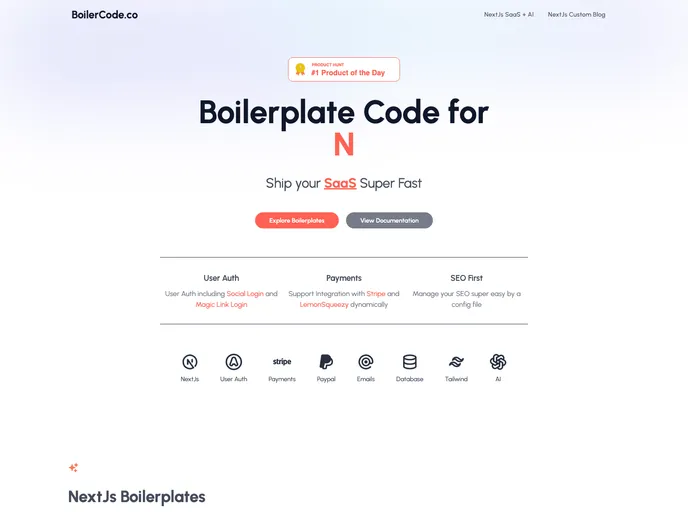

Boilercode.co screenshot

Boilercode.co

Author Avatar Theme by Boilercode co

A SaaS boilerplate built on Nextjs, NextAuth & Tailwind.

Categories

How to Use NextJs SaaS Boilerplate

Initial Setup

  1. Obtain the boilerplate code
  2. Update your credentials in the .env file.
    • Open the .env.example file and find the variables needed.
    • Create a new file .env.local, copy variables from .env.example, and update your credentials.
    • Documentation links for each env variable are provided in the .env.example file.
  3. Run npm install to install required dependencies.
  4. Run npm run dev to start the server on localhost.

User Auth

  • NextJs SaaS boilerplate uses NextAuth for user authentication.
  • Check the package.json file for the NextAuth dependency.
  • Modify authentication methods in /pages/api/auth/[...nextauth].js.
  • PrismaAdapter is used for storing user information in the database.
  • Customize themes in authentication pages.

Langchain, Pinecone & OpenAI Integration

  • Update API keys in the .env file for OpenAI and Pinecone.
  • AI components are integrated into /pages/dashboard.js and /components/aiComponent/.
  • Components include FeedDataCard and Chatbot, integrated with Langchain, Pinecone, and OpenAI.

Email Integration

  • Mailgun SMTP Server is used for sending emails.
  • Update SMTP configurations in .env.local.
  • User Auth emails are handled in /pages/api/auth/[...nextauth].js.
  • Boilerplate code for sending custom HTML-supported emails is in /lib/mailService.js.

Database Integration

  • Prisma and Postgres are used for the database.
  • Modify the /prisma/schema.prisma file to add database tables.
  • Change the database provider in the same file if needed.

Landing Page

  • Landing page components are available in /components/landingPage.
  • Components include LandingHeader, LandingHero, LandingFeature, LandingHowTo, LandingPricing, LandingTestimonials, and LandingCta.

Dynamic Payment Integration

  • Pricing configurations are in /config/pricing.js.
  • Integration for both LemonSqueezy and Stripe payment plans is provided.
  • Checkout for Stripe is available in /lib/stripe-checkout.js.
  • Extensive LemonSqueezy integrations are in /lib/lemonSqueezy.js.

Webhooks

  • Stripe and LemonSqueezy webhook receivers are available in /pages/api/payments/stripe_webhook.js and /pages/api/payments/lemon-squeezy-webhook.js.

Customer Support

  • Integration with Crisp for customer support is available in config/crispSupport.js.

Google Analytics

  • Integration with Google Analytics is available in config/googleAnalytics.js.

Custom SEO

  • SEO components are in components/additional/seo.js.
  • Modify with your values for a customized SEO setup.

Custom Blog

  • Utilize the Custom Blogs feature by placing markdown files in the /pages/blog/ folder.
  • Theme configuration is available in theme.config.js.

Additional Components

  • Extra components are in /components/elements/, including button.js, card.js, customDialog.js, customLink.js, pricingCard.js, productHunt.js, sprinkle.js (for a unique icon), and video.js (for integration videos).