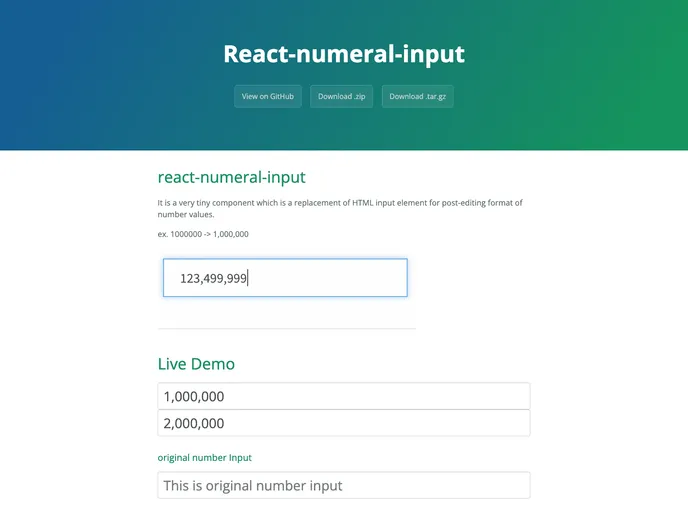
It is a very tiny component which is a replacement of HTML input element for post-editing format of number values. ex. 1000000 -> 1,000,000
If you’re looking for a lightweight solution to enhance number input fields in your web applications, react-numeral-input might be just what you need. This tiny yet powerful component offers a seamless experience for formatting number values while allowing users to edit them easily. By converting inputs like 1000000 into a more readable format such as 1,000,000, it not only improves user interaction but also maintains the integrity of the raw data.
Built on top of React.js and utilizing Numeral.js, react-numeral-input comes with a series of features that make it both versatile and user-friendly. Whether you’re building forms, dashboards, or any application that requires numeric input, this component can help streamline the process.
Numeric Formatting: Automatically formats numbers for easier readability, converting raw values into a more user-friendly format.
Device Number Keyboard: Utilizes the number keyboard on devices for quick and easy entry of numeric values, enhancing user experience on mobile.
Customizable Props: Fully customizable, allowing you to set properties like minlength and maxlength to suit your specific needs.
Format Configuration: Allows configuration of numeral formatting through the fmt property, with a default format of “0,0” to handle basic comma separation.
Value Change Callback: Includes an onChange callback function, providing unformatted values directly, making it easy to handle data as needed without additional manipulation.
Lightweight and Efficient: Being a very small component, it adds minimal overhead to your applications while still providing robust functionality.
Compatibility with React and Numeral.js: Designed to work seamlessly with both React.js and Numeral.js, ensuring consistency and reliability in the formatting process.
User-Friendly Design: Focused on enhancing user interactions, making the input process straightforward and intuitive for anyone entering numeric data.

