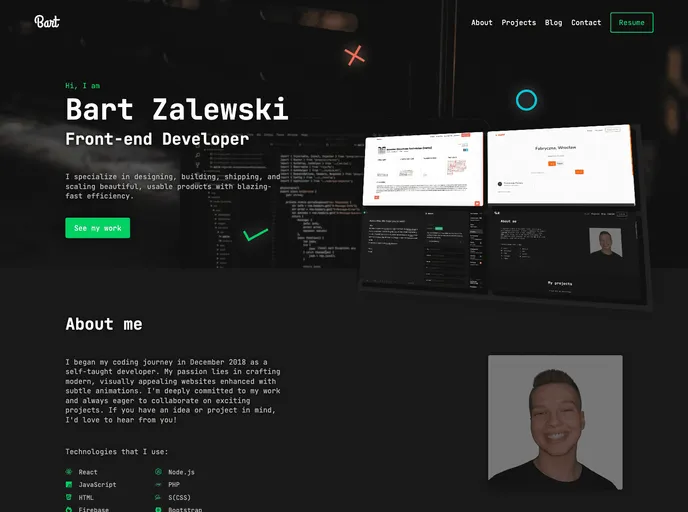
My 2nd portfolio website
This article provides instructions on how to install and use a portfolio theme created by Bart Zalewski. The theme offers three versions, depending on the user’s preference and requirements. The article also explains how to set up the theme by creating a Contentful account, configuring the necessary fields, and installing the required packages. Additionally, it emphasizes the importance of giving proper credit to Bart Zalewski if using the theme.
This article provides a detailed guide on how to install and use Bart Zalewski’s portfolio theme. It offers three versions of the theme to choose from, each with different customization options. The article explains how to set up the theme by creating a Contentful account, configuring the necessary fields, and installing the required packages. It also emphasizes the importance of giving proper credit to Bart Zalewski when using the theme.

