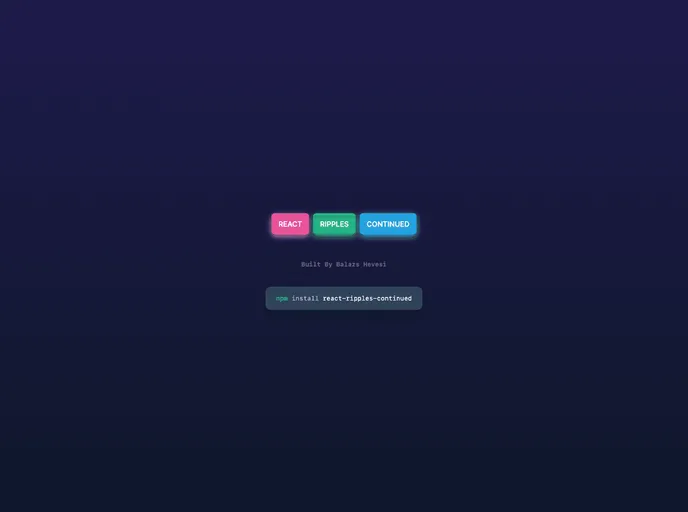
React Ripples Continued screenshot

React Ripples Continued

Author Avatar Theme by Balazshevesi
Updated: 28 Feb 2024
8 Stars

The material design ripple effect for react made simple yet customisable. `npm i react-ripples-continued`

Categories

Overview

React Ripples Continued is a component that provides a visual ripple effect, commonly used for button click or touch feedback. Inspired by material design principles, this component adds a sleek and interactive element to your React application.

Features

  • onType: Determines the event that triggers the ripple effect. Default value is “click”.
  • colorType: Sets the color of the ripple effect. Default value is “white”.
  • opacityType: Sets the opacity of the ripple effect. Accepts values between 0 (completely transparent) and 1 (completely opaque). Default value is 1.
  • blurType: Sets the blur amount for the ripple effect. Default value is 0.
  • durationType: Determines the duration of the ripple animation in milliseconds. Default value is 500.
  • fillAndHoldType: When set to true, the ripple effect will fill the container and hold its position until a mouse up event occurs. Default value is false.
  • optimizeType: When set to true, the ripple elements will be removed from the DOM after the animation completes. Default value is false.
  • rippleElementType: When handed JSX, it will display that JSX inside the ripple. Default value is undefined.

Installation

To install the React Ripples Continued component, follow these steps:

  1. Make sure you have React installed in your project.

  2. Run the following command to install the React Ripples Continued package:

    npm install react-ripples-continued
    
  3. Import the component into your React project:

    import Ripples from 'react-ripples-continued';
    

Summary

React Ripples Continued is a powerful component that adds a visually appealing ripple effect to your React application. With customizable props and easy installation, this component is a great choice for implementing material design principles in your UI.