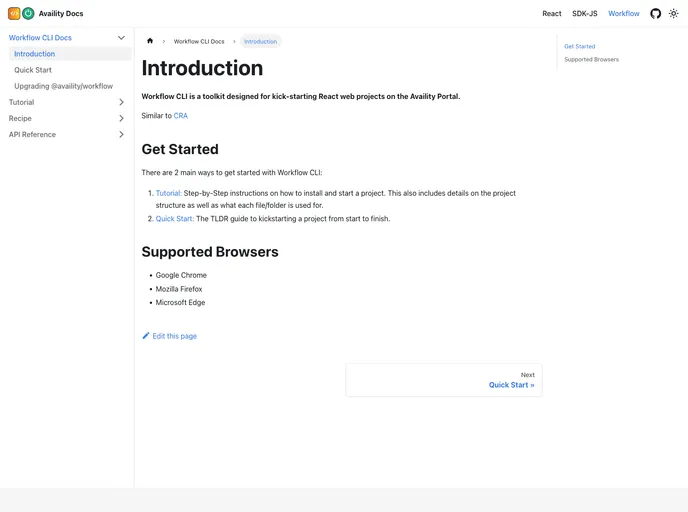
Availity Workflow screenshot

Availity Workflow

Author Avatar Theme by Availity
Updated: 9 Jan 2026
30 Stars

Upgradable workflow for Availity boilerplate projects

Overview

The Availity Workflow Toolkit is a valuable tool designed for developers who work on web projects using Availity, offering a robust environment inspired by the widely-used create-react-app. This toolkit streamlines the setup and configuration process, making it easier for teams to focus on building their applications with minimal overhead. With built-in support for both React and TypeScript templates, it allows for flexibility and efficiency right from the start.

This toolkit not only simplifies the project structure but also integrates various helpful features that enhance the development experience. It includes utilities for managing static files, automatic version tracking, and simplified configuration options, making it a must-have for modern web development.

Features

  • Automatic Static File Handling: Files in the project/app/static directory are automatically copied to the build directory, making it easy to manage static assets without complex integrations.
  • Version Tracking: A global variable APP_VERSION is included in the JavaScript bundle, allowing developers to easily check the deployed application’s version through the browser debugger.
  • Customizable Configuration: Developers can use either a JavaScript or YAML file for configuring the workflow, or even configure it directly in the package.json, offering flexibility and ease of use.
  • Integrated Jest Support: The toolkit allows for Jest setup through a dedicated configuration file (jest.setup.js), facilitating unit testing from the get-go.
  • Dynamic Development Server Options: The development server can auto-increment port numbers if the default is unavailable, ensuring that developers can quickly get their environments running without conflict.
  • Detailed Logging Control: Options for customizing Webpack logging levels give developers greater control over the build process, helping in debugging and optimizing performance.
  • Hot Reloading Capability: Fast Refresh is enabled by default, allowing developers to see changes reflected in real-time during development, which significantly speeds up the workflow.
  • Dry Run for Production Settings: A dry run option allows developers to test production configurations without impacting actual deployments, ensuring smoother transitions from development to production environments.