Overview:
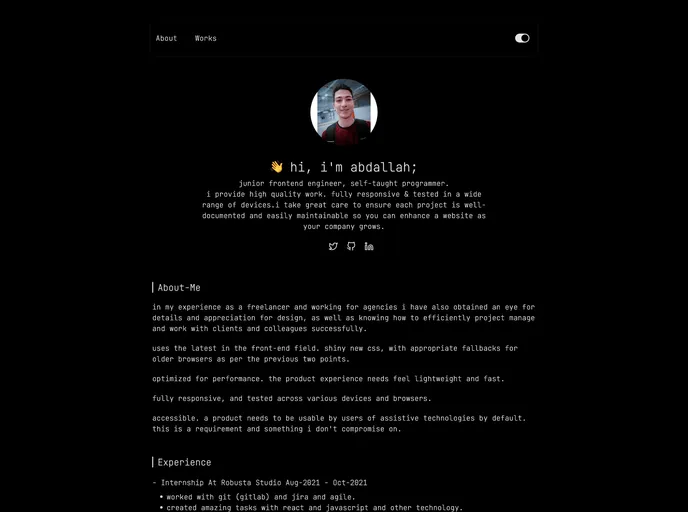
This article is about a portfolio website designed using the Next.js framework. It gives a preview of the portfolio and showcases the author’s major projects. The portfolio is built using a Next.js project that was bootstrapped with create-next-app.
Features:
- Preview of Portfolio: The portfolio website allows users to view a preview of the author’s work and major projects.
- Next.js Project: The portfolio is built using the Next.js framework, which provides efficient server-side rendering and a great developer experience.
- Easy Deployment: The article mentions that the easiest way to deploy the Next.js app is by using the Vercel Platform, created by the same developers as Next.js.
Installation:
To install the portfolio website, follow these steps:
- Download or clone the Next.js project from the GitHub repository.
- Open the project in your preferred code editor.
- Run the following command in the terminal to start the development server:
npm run dev. - Open your browser and go to http://localhost:3000 to see the preview of the portfolio.
Summary:
This article provides an overview of a portfolio website built using Next.js. It showcases the author’s major projects and offers a preview of the portfolio. The website is built using Next.js, a powerful framework that provides SEO-friendly server-side rendering. Deploying the portfolio is made easy with the Vercel Platform, which is recommended by the Next.js creators.